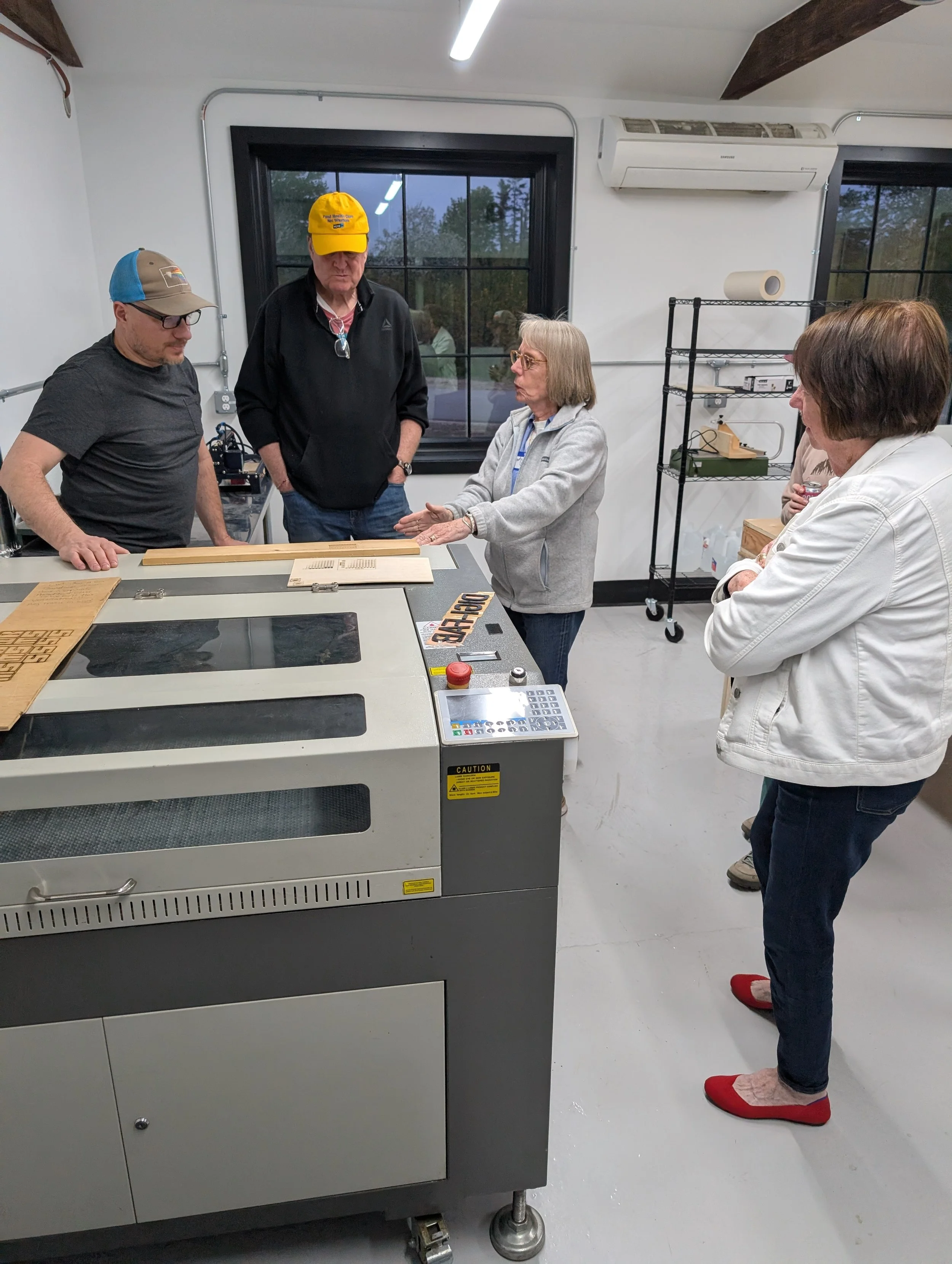
Laser cutting requires advanced clearance due to the fire risk and complex workflows involved. Time is scheduled and billed in 15-minute increments for the duration you occupy the machine — so prep your files ahead of time and arrive ready to plug and play to save.
$5.00/15-minutes, plus material costs
30 min = qty 2
1 hr = qty 4
1.5 hr = qty 6
2 hr = qty 8
2.5 hr = qty 10
3 hr = qty 12
3.5 hr = qty 14
4 hr = qty 16
4.5 hr = qty 18
5 hr = qty 20
5.5 hr = qty 22
6 hr = qty 24
Allowed materials include:
Wood
Acrylic
Paper/cardboard
Polyurethane foam
EPS foam
Thin polystyrene
Polyethylene foam
Not allowed (due to toxic fumes and fire risk):
PVC
Polycarbonate
PVC foams/laminate
Materials provided by WBMS are priced by the DigiFab shop lead — questions on what's allowed go to the shop lead.
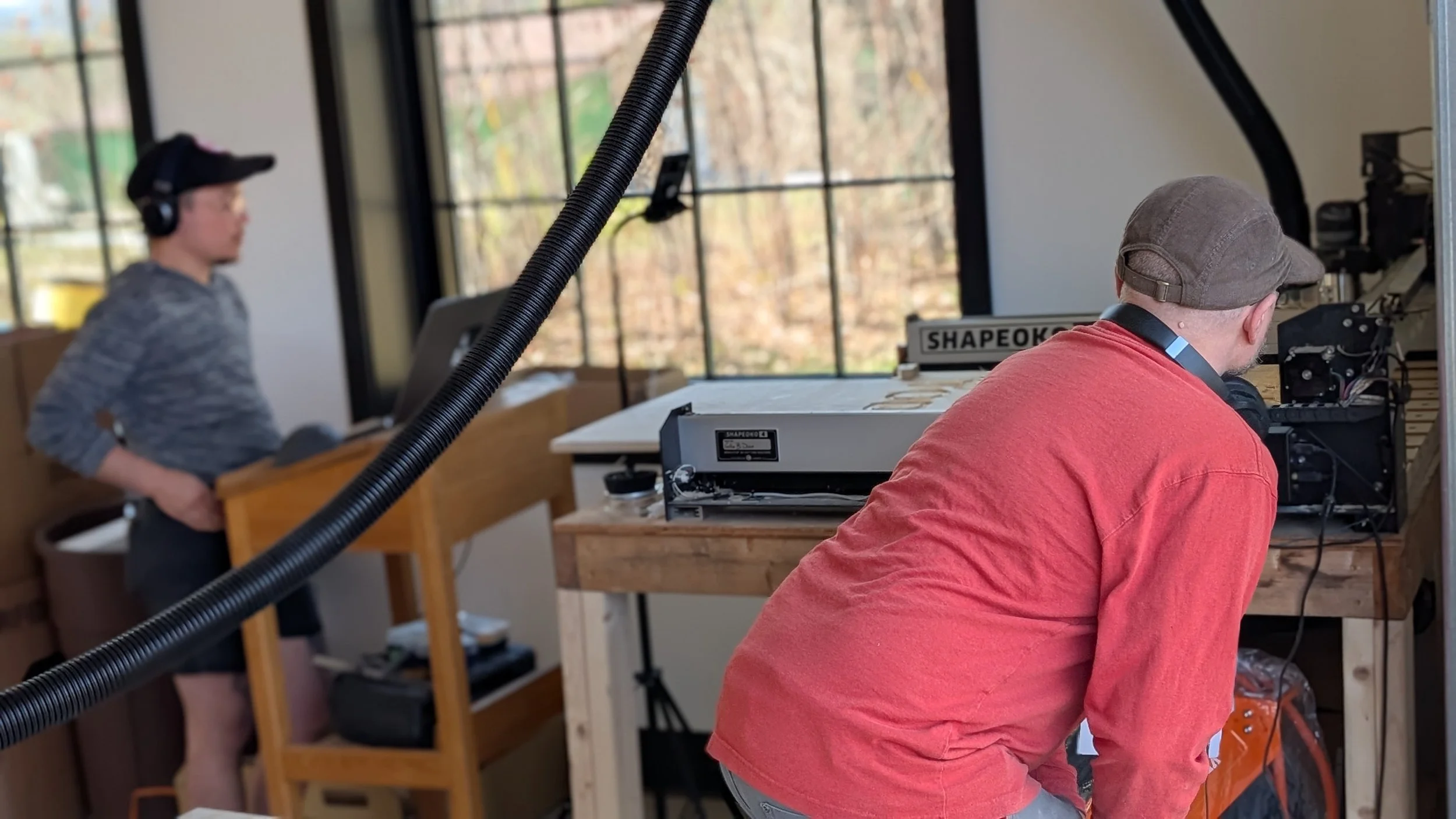
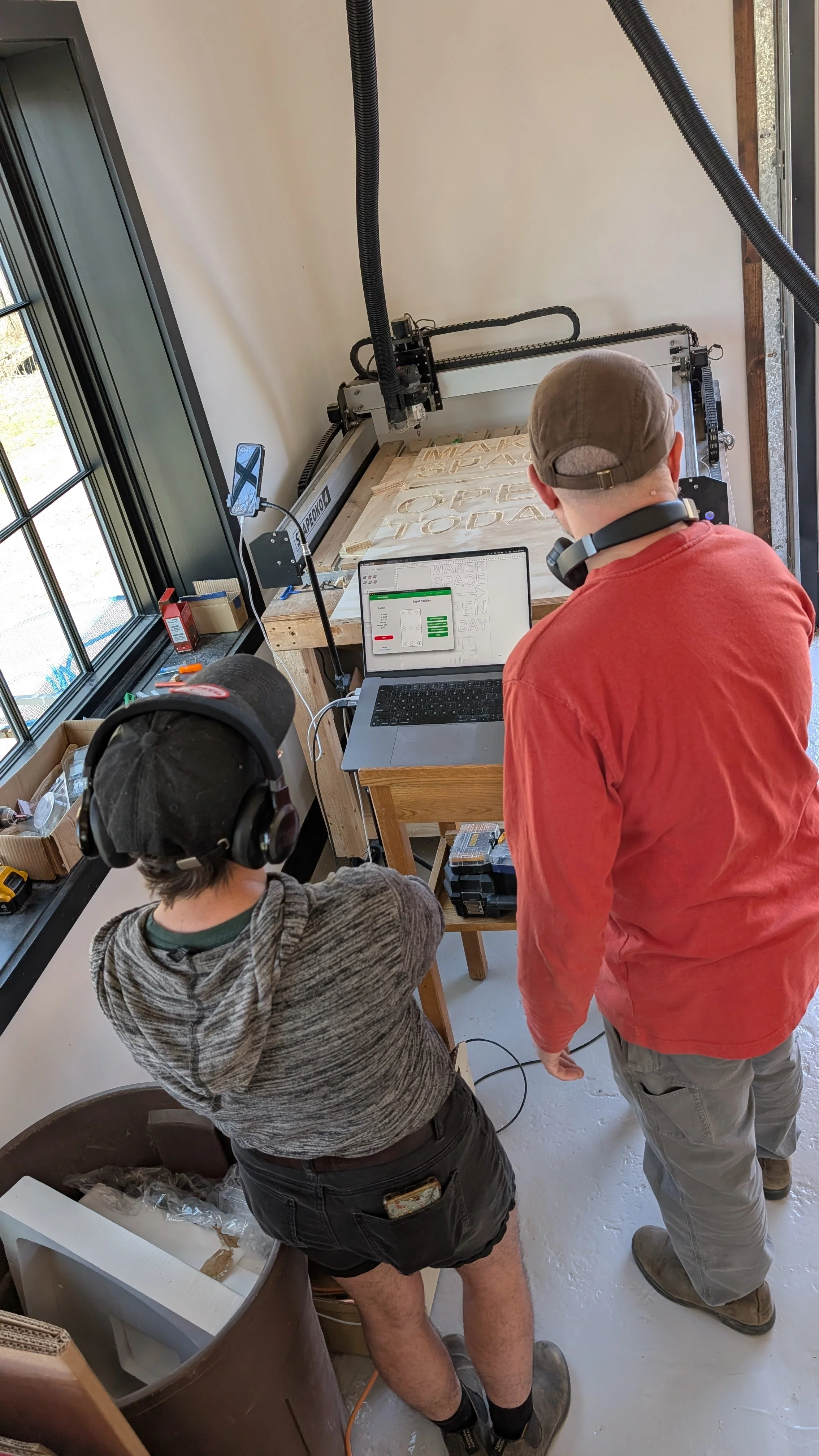
The CNC router requires one-on-one checkout or instructor-led course clearance. Time is scheduled and billed in 15-minute increments, and includes the clean-up time needed to leave the machine ready for the next user.
Bring your own endmills to be sure you have exactly what your project needs (⅛" or ¼" cylindrical shafts, at least 0.75" long, rated for at least 18,000 RPM). The makerspace provides some endmills, but broken endmills are the user's responsibility to replace.
$2.50/15-min, plus material costs and endmills
30 min = qty 2
1 hr = qty 4
1.5 hr = qty 6
2 hr = qty 8
2.5 hr = qty 10
3 hr = qty 12
3.5 hr = qty 14
4 hr = qty 16
4.5 hr = qty 18
5 hr = qty 20
5.5 hr = qty 22
6 hr = qty 24
Allowed Materials
Softwood
Hardwood
Plywood
MDF
Not Allowed
Metal
Glass
Acrylic and polycarbonate plastic are allowed only with designated endmills — consult the DigiFab lead.
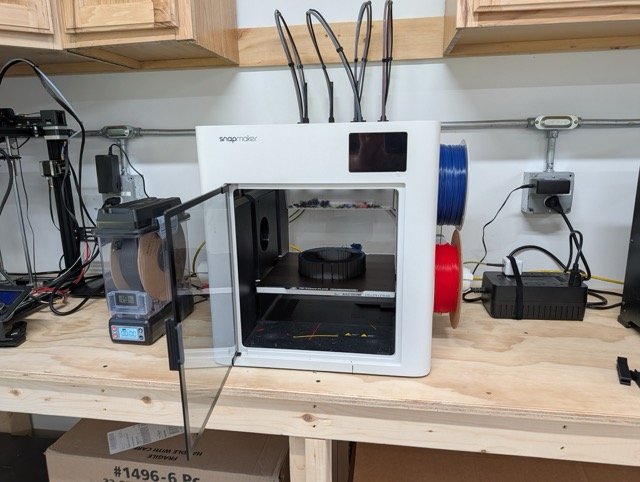
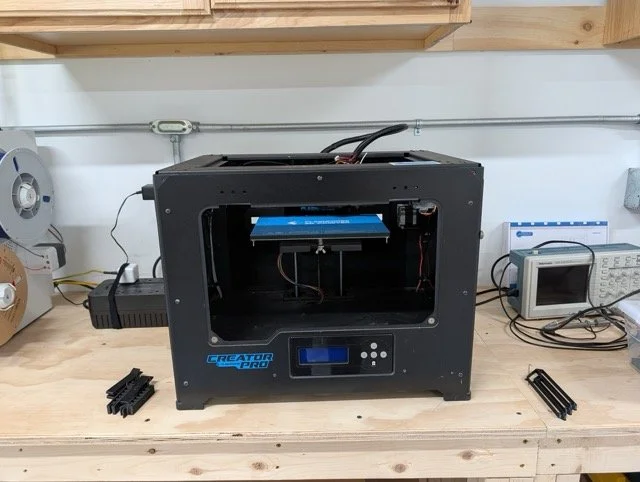
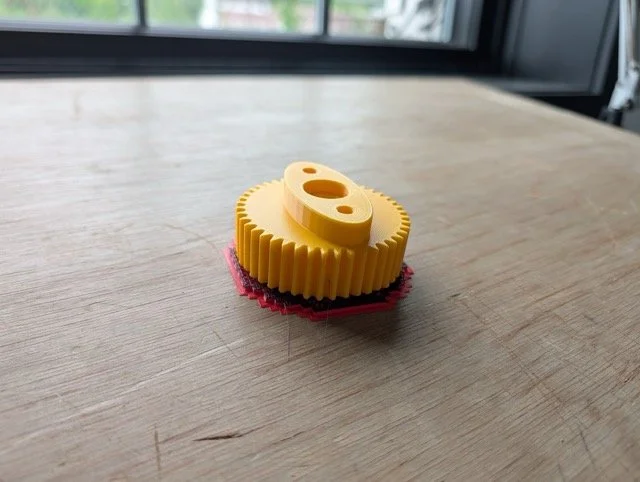
3D printing is billed by material usage, not by the hour — bring your design, and pay only for what you print. All 3D printer use requires clearance and adherence to our temperature and ventilation safety protocols.
PLA, PETG, and ASA — $0.05/gram
TPU and PVA — $0.10/gram
User-provided filament — $0.01/gram Requires staff permission.
Wear and tear on the machines is expected, but damage caused by misuse or unclear-protocol use is billed separately for repair or replacement.
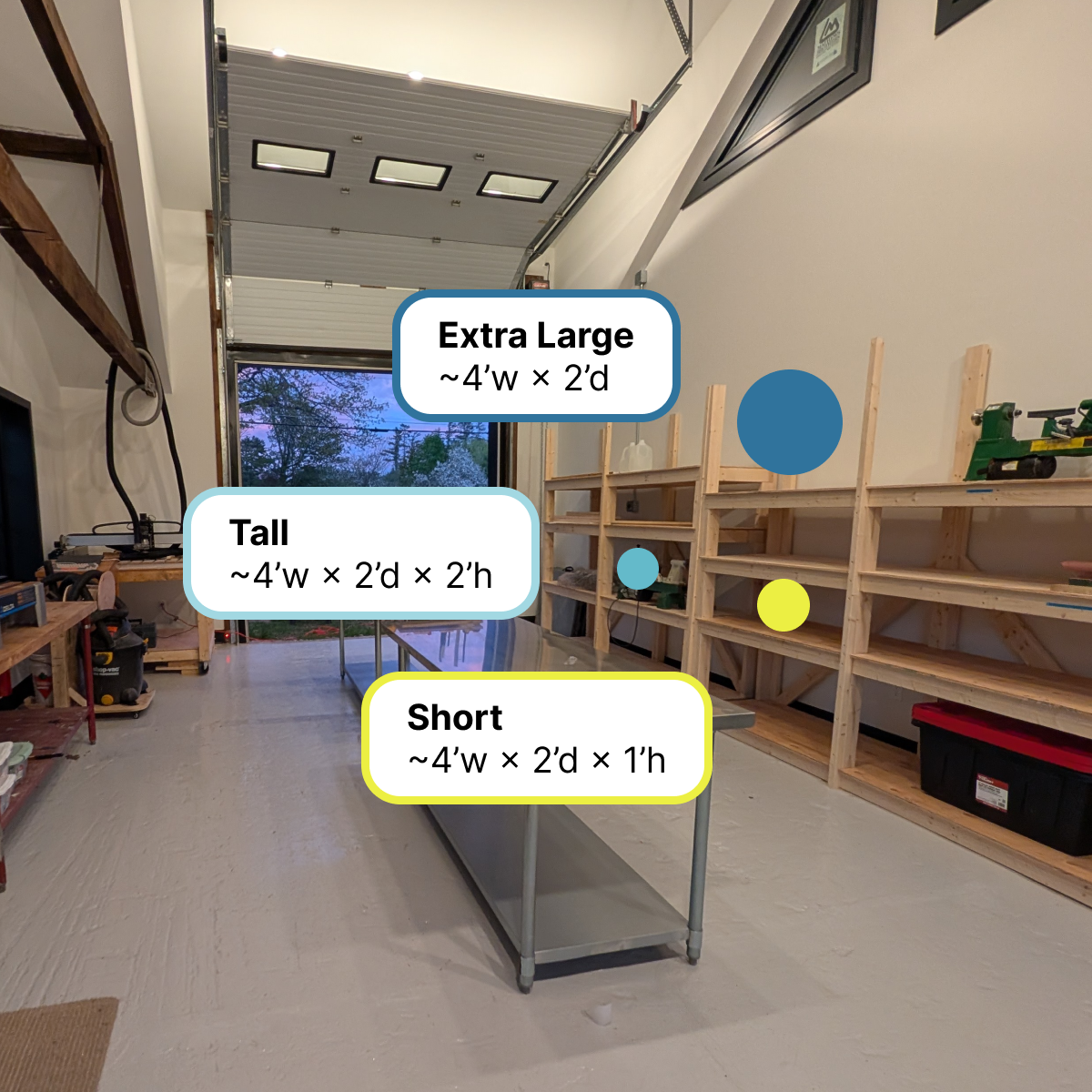
Keep your works in progress right where you left them. Project storage is an optional, paid add-on available to active members, with shelf space located in our multi-purpose room. Reserve a bay and pick up your project exactly where you left off — no packing up between visits.
Short Project Shelf — Approx. 4'w × 2'd × 1’h
Tall Project Shelf — Approx. 4'w × 2'd × 2'h
Extra-Large Project Storage — Top Shelf Storage Approx. 4'w × 2'd
Storage requires an active membership. Availability is limited. For safety, no open containers of liquids or volatile materials may be stored on your shelf.

Whether you're an experienced maker, a curious DIYer, a freelancer who needs a great workspace, or someone with a project and a vision — this membership gives you everything you need to get to work.
When you join, you'll schedule an onboarding session to tour the space, set up access, and map out your path to equipment clearances via tool tests, classes, or individual instruction. From there, you're ready to make!
Flexible Access
Access the makerspace 7 days a week, 7am–9pm, and work on your own schedule. Drop in when inspiration strikes or block out time for a focused build session.
Access may be temporarily restricted during events and classes on the shop calendar.
Woodshop
Full access to the woodshop, including equipment such as Saw Stop Table Saw, Drill Press, CNC machine and Router. Ideal for furniture making, prototyping, repairs, and small-batch production.
Digital Fabrication Lab (DigiFab)
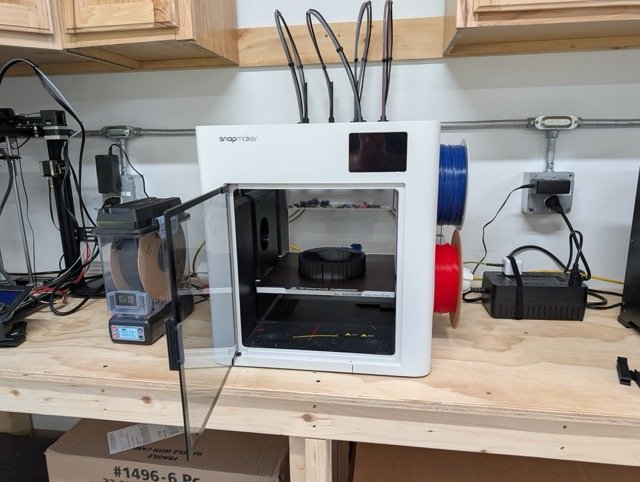
Use our digital fabrication tools for prototyping, fabrication, and experimentation, including our CNC Machine, Laser Cutters, 3D printers, and dye sublimation printer.
Community & Event Space
Access shared work areas for planning, collaboration, and events with other makers, creatives, and professionals.
Co-Working
Utilize shared work areas and coworking desks for planning, design work, client meetings, or a creative space to get things done alongside other makers.
Equipment Clearance
Safety sign-offs for equipment are required.
See the equipment clearance and safety policy.
Members under 18 must be accompanied and supervised by a responsible adult guardian at all times.
Woodshop access and woodshop classes are available to ages 16 and older.
Consumables and materials are not included unless otherwise stated.
Equipment usage requires clearance and may require scheduling.
Project storage is an additional cost unless otherwise stated.
Members are expected to follow all safety policies and community guidelines.
A West Bethel Makerspace gift card is perfect for the builder, tinkerer, or curious creator in your life — whether they're just getting started or ready to level up their skills.
Use it toward:
Classes & Events — from woodworking fundamentals and lathe turning to CNC routing and 3D printing.
Memberships — for experienced makers, professionals, and DIYers who need reliable, flexible access to tools and space.
Gift cards are redeemable for any class, membership, or open studio pass at westbethelmakerspace.org.
Not sure what they'd want to make? That's the fun part — let them decide.
Purchasing a gift for someone and sharing the Makerspace also helps sustain our nonprofit mission: providing our rural Maine community with the tools, space, and skills to collaborate and create.
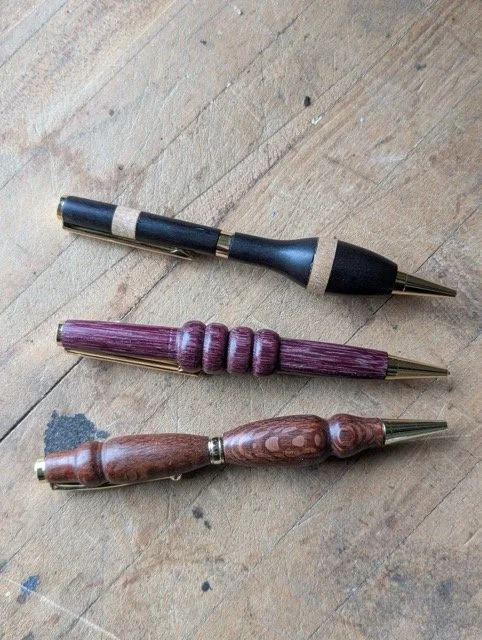
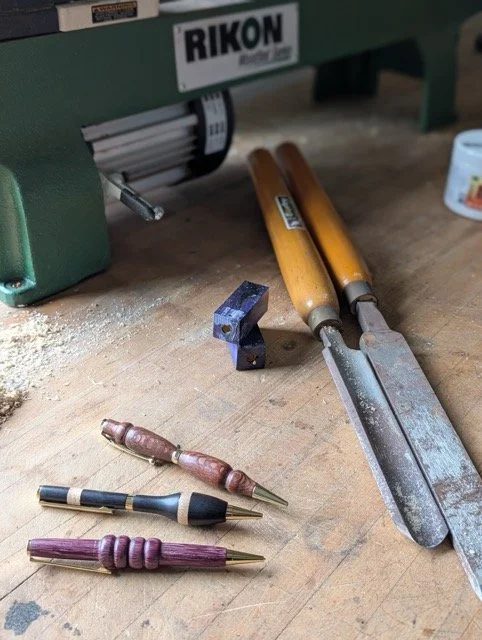
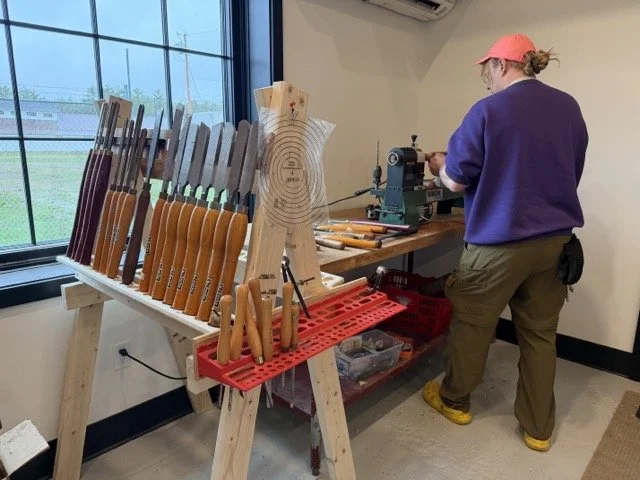
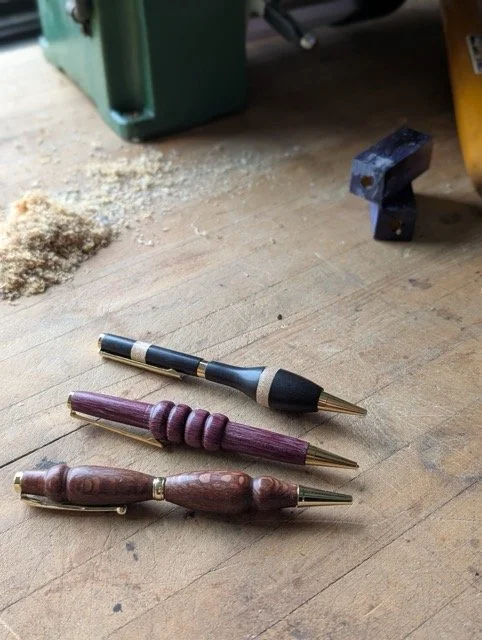
Learn the fundamentals of spindle turning and the basics of the wood lathe while making a beautiful, handmade pen. In this intermediate hands-on class, learn how to safely operate lathes, techniques like mounting, roughing, shaping, drilling, parting, and finishing. Completing this class grants access to the wood lathe.
4-hour class
Prerequisites: None
Materials fee: $10 to be paid directly to the instructor.
What to wear & bring
Closed-toe shoes
No loose clothing
Secure long hair
PPE provided - bring your own if you prefer
Earplugs
Eye protection
Dust masks
Gloves - vinyl gloves, nothing thicker for safety reasons
Age Requirements
Members under 18 must be accompanied and supervised by a responsible adult guardian at all times.
Woodshop access and woodshop classes are available to ages 16 and older.
This course will give practical experience and safety clearance for
Lathe
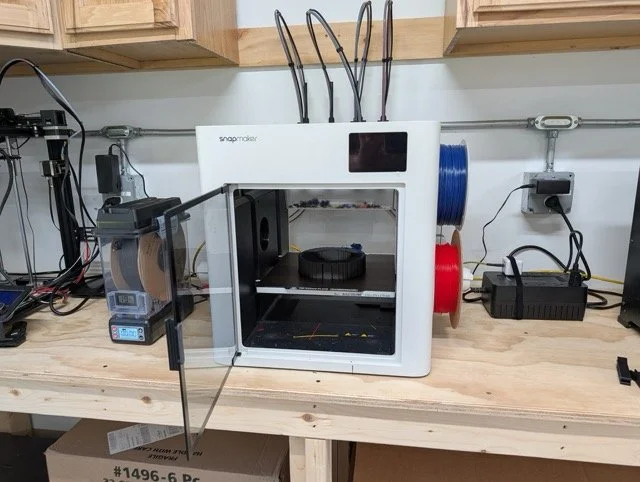
In this class, students will be introduced to the software and hardware involved with Additive Manufacturing. After taking this class, they will have a path from Computer-Aided Design (CAD) through “slicing” a model and printing it on our 3D printers. We’ll cover materials selection and preparation, and how to properly calibrate and operate the precise equipment used to fabricate complex objects difficult to produce any other way.
3 hour class
Prerequisites: None
Materials fee: $10 to be paid directly to the instructor.
What to bring
Computer (available to borrow if needed)
Age Requirement
Attendees under 18 must be accompanied and supervised by a responsible adult guardian at all times.
Course will give practical experience and safety clearance for
3D Printers
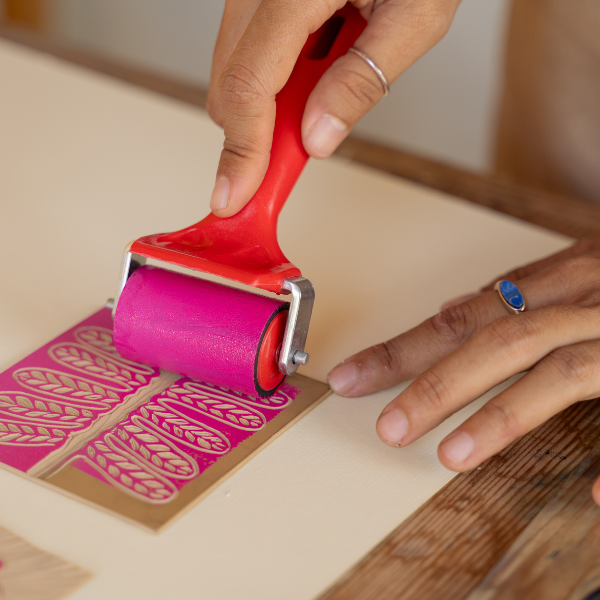
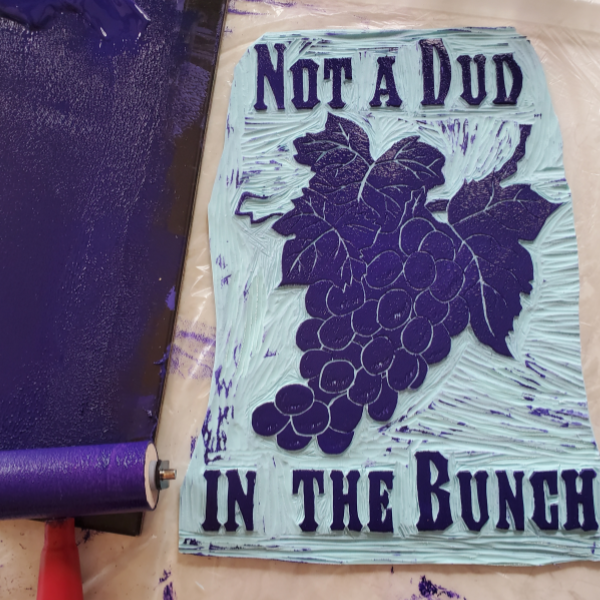

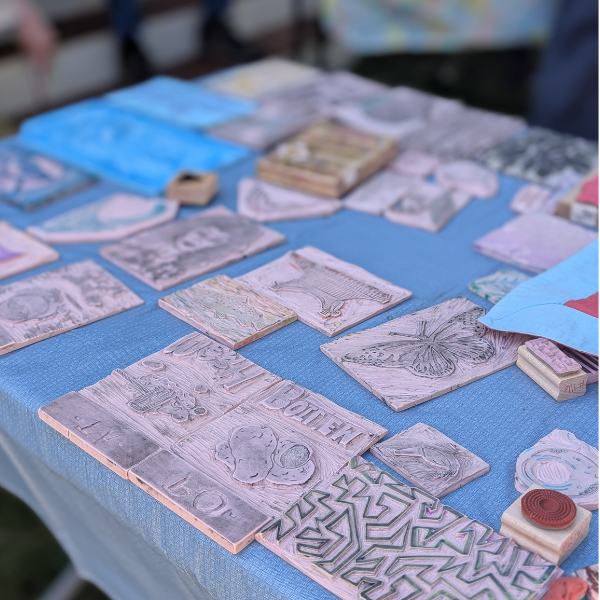
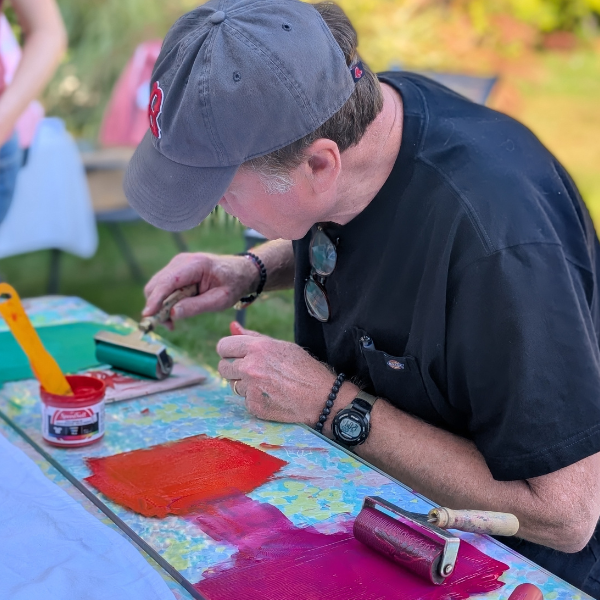
Come learn linoleum block carving and printing with the Luna Moth Collective! Lino cutting can be as simple and complicated as you like, making it a great creative practice for both seasoned artists and novices alike.
In this class you will learn the fundamentals of designing, prepping and carving your print, and practice printing your block on both paper and fabric. You are also welcome to use our library of block prints on any clothing or fabric you bring to the workshop.
Material Fee: $5 plus $4-6 per lino block (feel free to bring your own)
to be paid directly to the instructor on day of workshop. Cash or venmo is accepted.
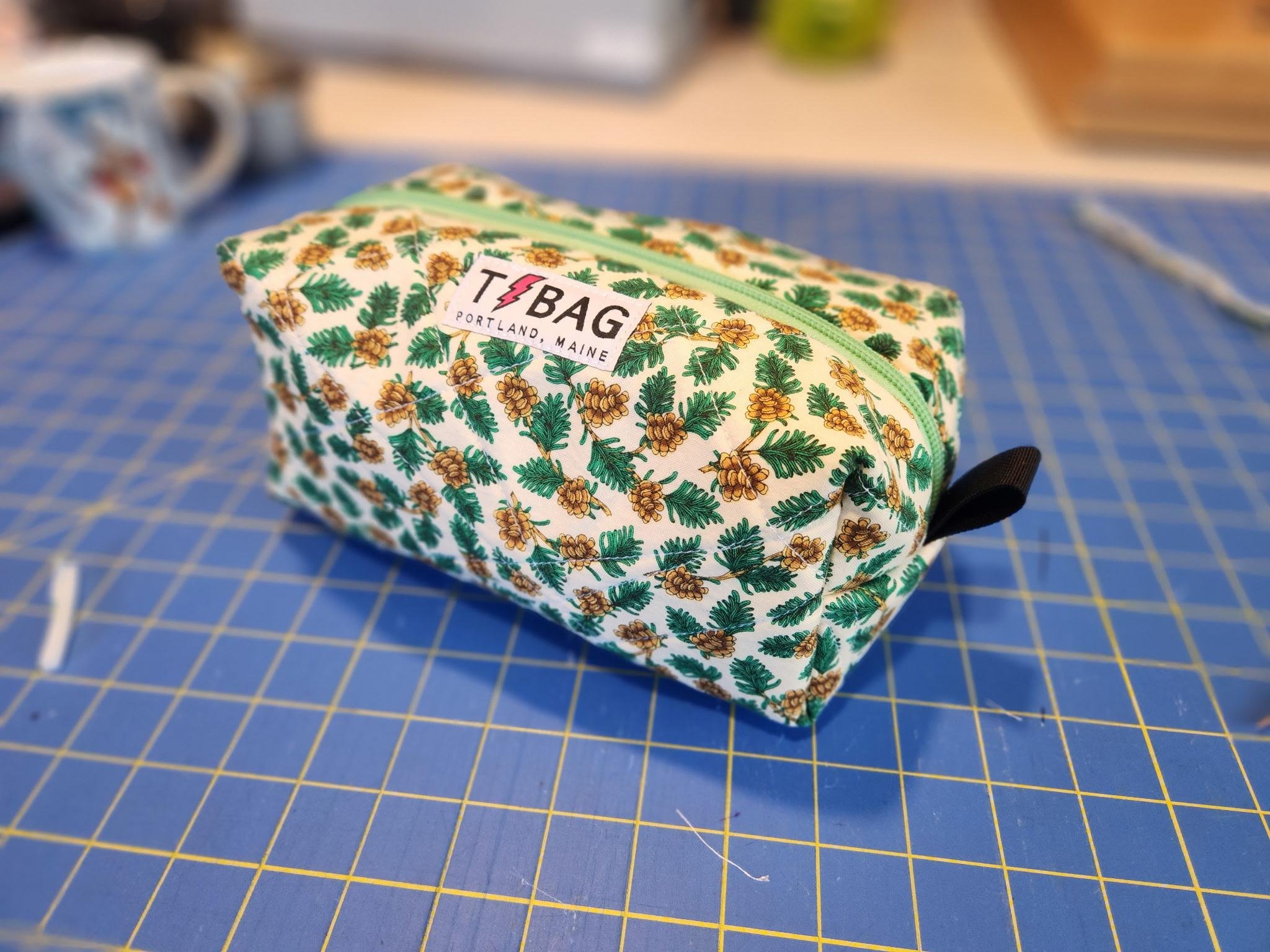
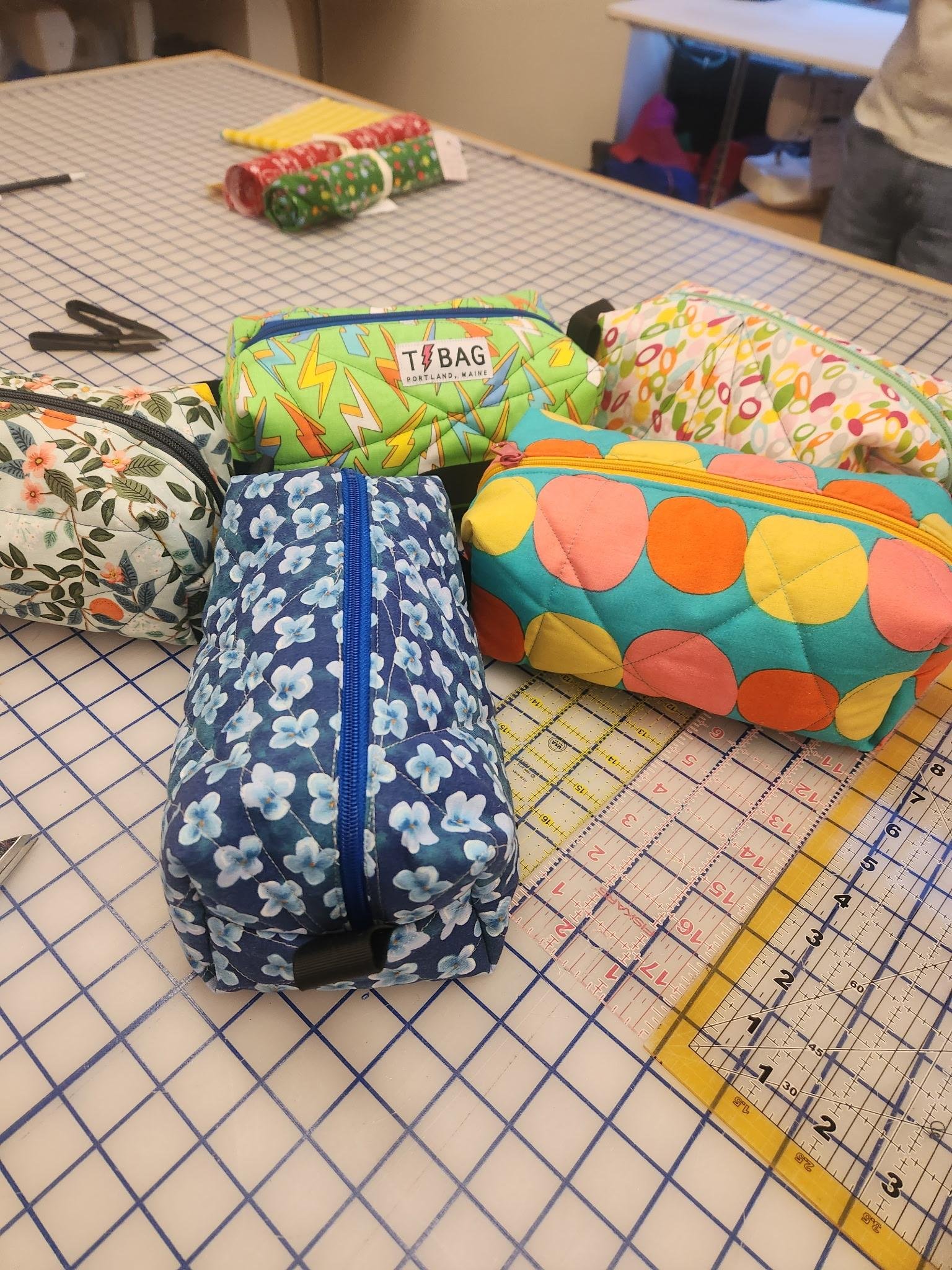
A beginner-friendly sewing class where you'll learn to make ditty bags with quilter and bag maker Travis (@t_bags_maine). No experience needed! This is a great class to learn a variety of introductory sewing skills.
Students should bring :
Two "fat quarters" (18"x22")*
Working sewing machine*
Rotary Cutter*
Ruler*
Cutting Mat*
Snips/Scissors*
Straight Pins*
Seam Ripper*
*If you don't have these items, you can borrow them from Travis*
About the instructor: Travis (he/him) is a queer and trans bag maker and quilter who comes from a large family of Maine quilters. He started making quilts in 2006 and started teaching Intro to Quilting in 2016 in Portland, Oregon. When he's not sewing, you can find him canoeing Maine’s wilderness lakes or picking his banjo on his porch in Westbrook.
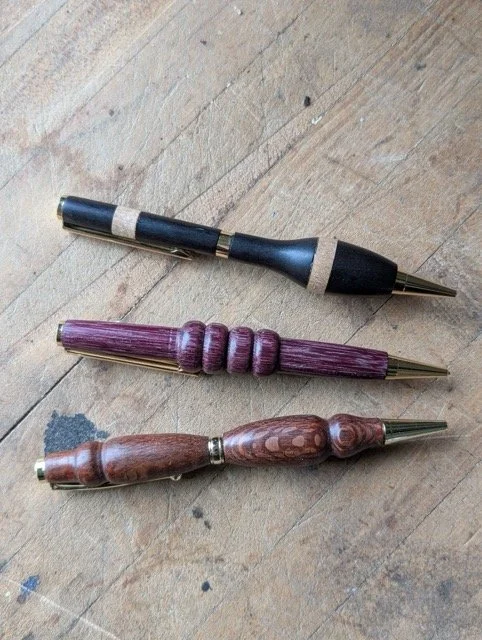
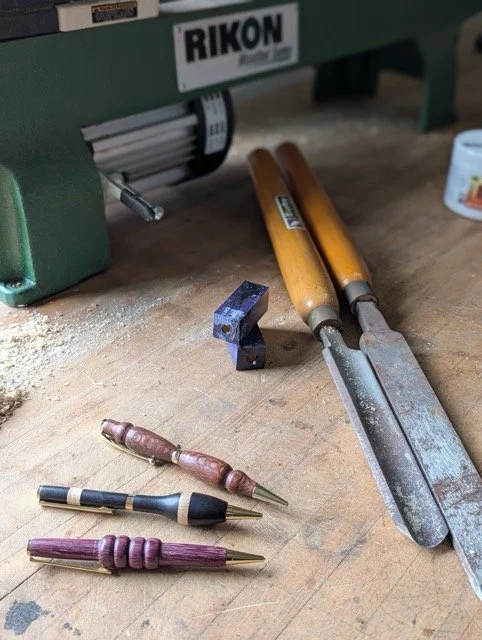
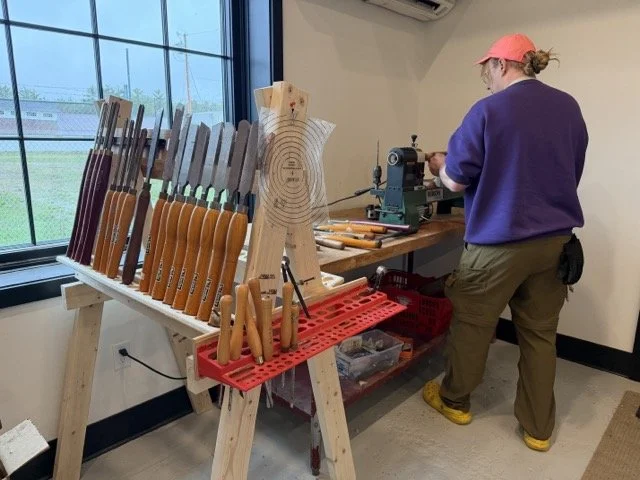
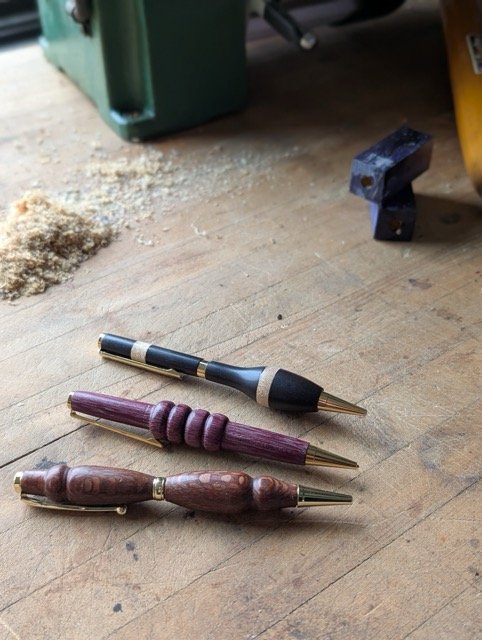
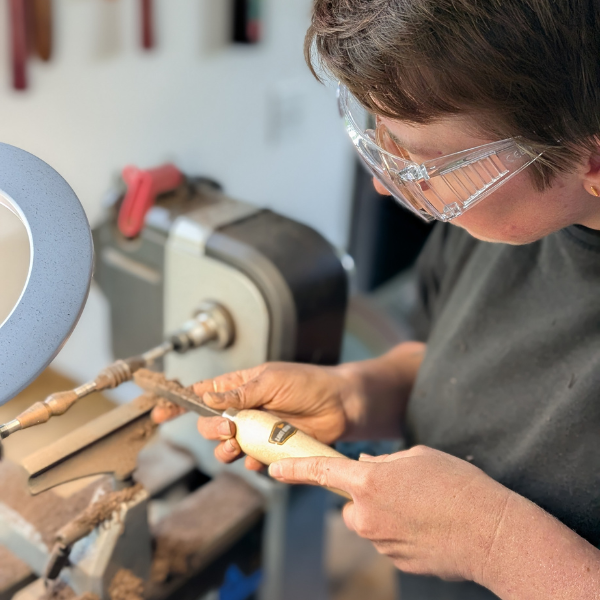
Learn the fundamentals of spindle turning and the basics of the wood lathe while making a beautiful, handmade pen. In this intermediate hands-on class, learn how to safely operate lathes, techniques like mounting, roughing, shaping, drilling, parting, and finishing. Completing this class grants access to the wood lathe.
4-hour class
Prerequisites: None
Materials fee: $10 to be paid directly to the instructor.
What to wear & bring
Closed-toe shoes
No loose clothing
Secure long hair
PPE provided - bring your own if you prefer
Earplugs
Eye protection
Dust masks
Age Requirements
Members under 18 must be accompanied and supervised by a responsible adult guardian at all times.
Woodshop access and woodshop classes are available to ages 16 and older.
This course will give practical experience and safety clearance for
Lathe
New Class Offering!
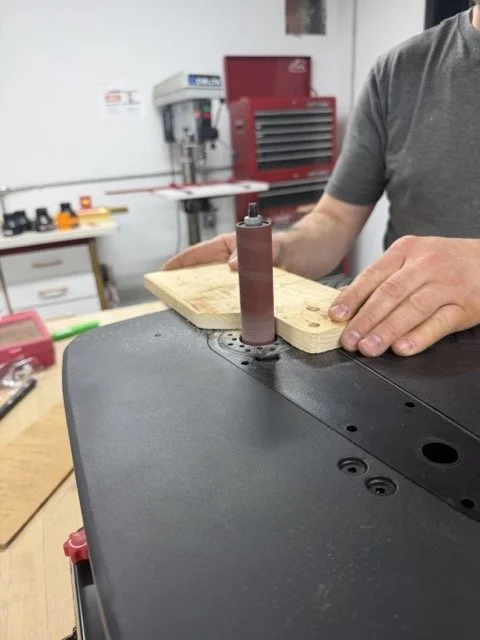
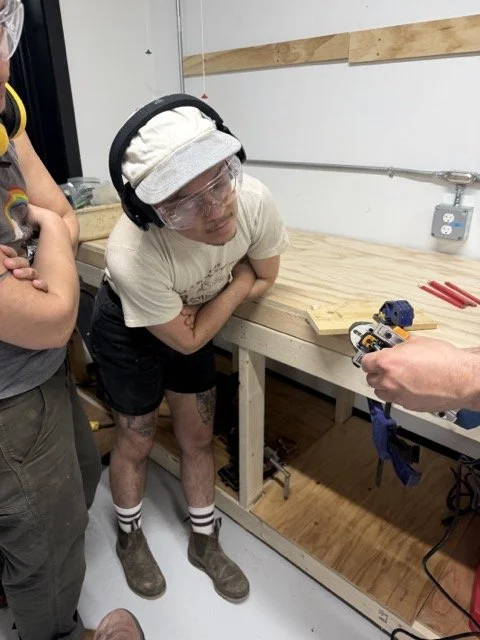
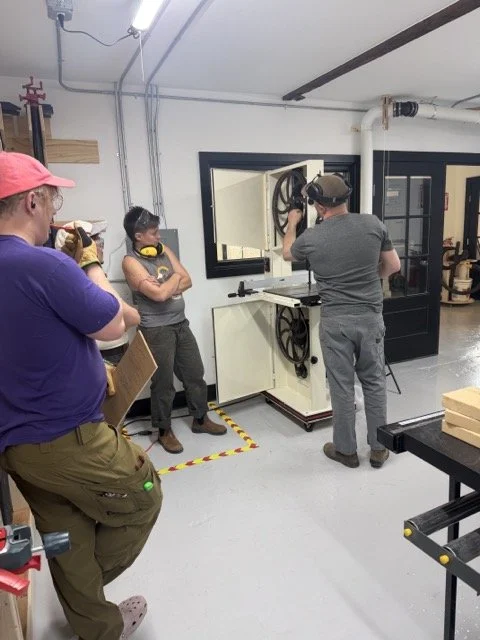
This one-day course is a friendly introduction for anyone new to the West Bethel Makerspace woodshop! By the end of the day, participants will have an opportunity to try out and learn the basic function, safety features, and use cases for almost all of our woodshop tools including:
Miter Saw (Chop Saw)
Table Saw
Band Saw
Scroll Saw
Drill Press
Edge and Spindle Sanders
Jointer
Planer
Prerequisites: None
Materials fee: None
What to wear & bring
-Please bring your own lunch
-Closed-toe shoes
-No loose clothing
-Secure long hair
PPE provided - bring your own if you prefer
Earplugs
Eye protection
Dust masks
Gloves - vinyl gloves, nothing thicker for safety reasons
Age Requirements
Members under 18 must be accompanied and supervised by a responsible adult guardian at all times.
Woodshop access and woodshop classes are available to ages 16 and older.
Prerequisites: None
Materials fee: None
What to wear & bring
-Please bring your own lunch
-Closed-toe shoes

A day-long coding adventure! Kids learn the building blocks of web development — HTML and CSS — and build a website from scratch to take home.
What they'll learn:
What software is and how developers build it
The basics of HTML: structure, tags, and elements
The basics of CSS: styling, color, fonts, and layout
How to build a simple website from scratch, start to finish
What to bring:
Lunch and water/beverages. We have a fridge to store.
Students must bring their own laptop (Windows or macOS) with Sublime Text installed and ready to go before class. Download it free at sublimetext.com/download. (Recommend installing at home the night before — install time isn't built into the class schedule.)
Schedule:
9am - 12pm Class time
12pm - 1pm Lunch (bring your own - fridge available)
1pm - 2pm Work time
2:30pm - 3pm - Presentations — parents/guardians welcome to join!
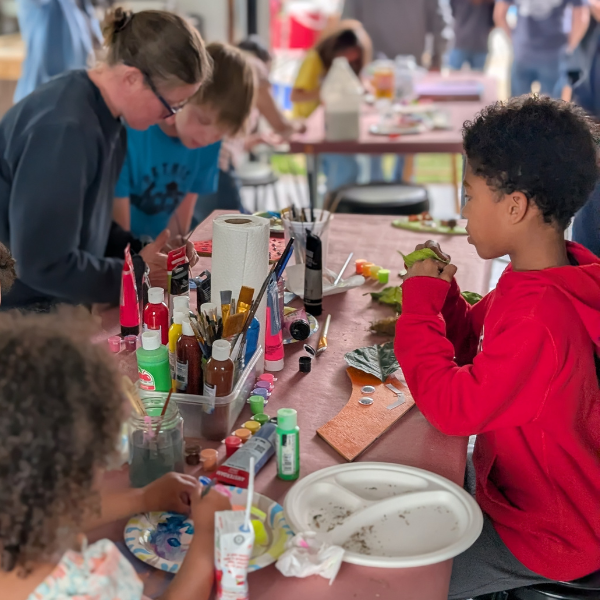
The last Friday of every month is Family Crafting Night at the West Bethel Makerspace! Join us for a super fun and casual afternoon making and creating together.
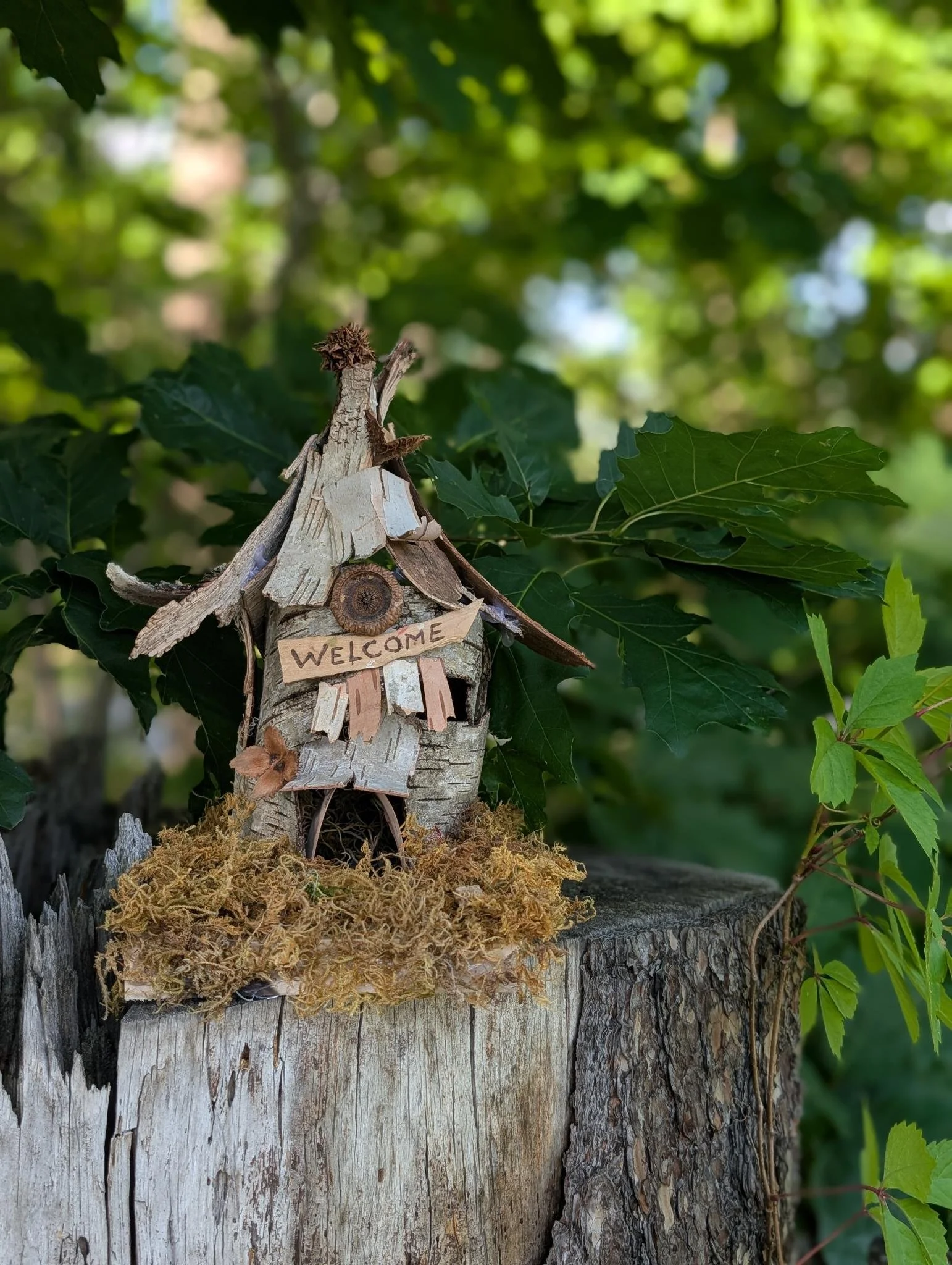
July's craft is: Fairy Houses! Transform moss, bark, sticks, and stones into the perfect tiny home and furniture for your fairy friends. The Makerspace will provide materials but please bring anything you think your fairies would love- pretty flowers, interesting sticks, bark, charms, jewels, and doll furniture all make for great additions.
Feel free to drop in anytime after 2 pm and stay as long as you'd like! This class is good for all ages. Children must be accompanied by a parent or guardian at all times. This project requires the use of hot glue gun.
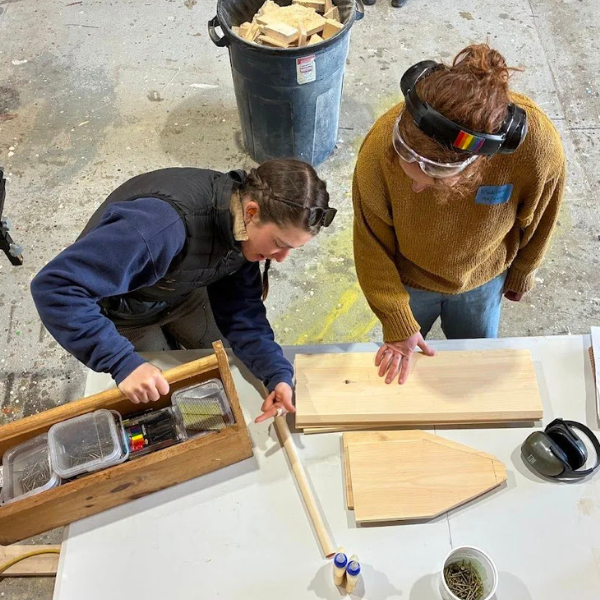
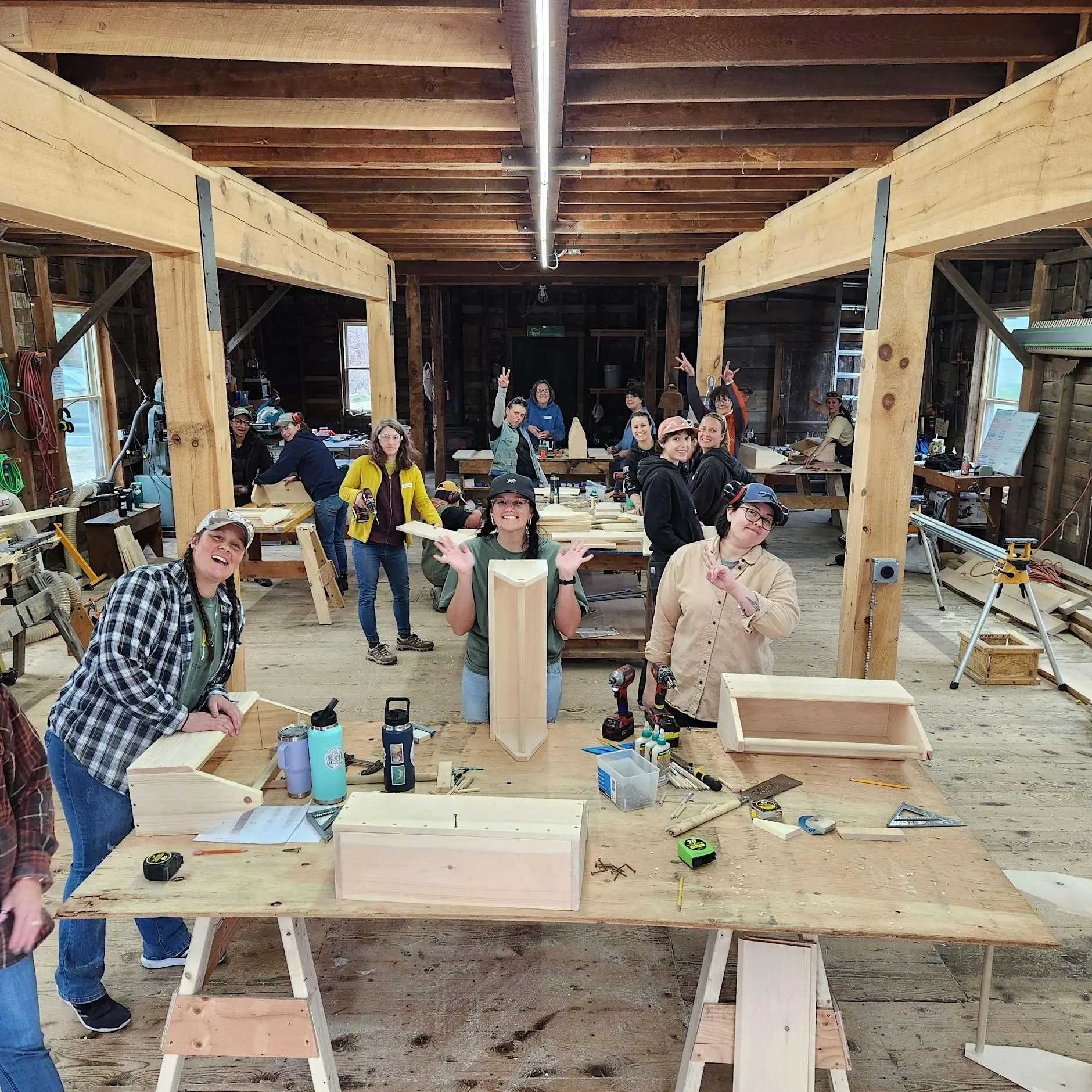
We are thrilled to announce the upcoming two day Power Tools Basics class with We Built This is being held here at the Makerspace!
Class is August 22-23 9am-4pm
Class description: Join us at the West Bethel Maker Space to learn power tool basics. We will review chop saws, table saws, circular saws, drills, drivers, orbital sanders, plan reading, fasteners and material selection. No experience necessary. Come with your questions, it’s a chance to explore safely and learn the tricks of the trade.
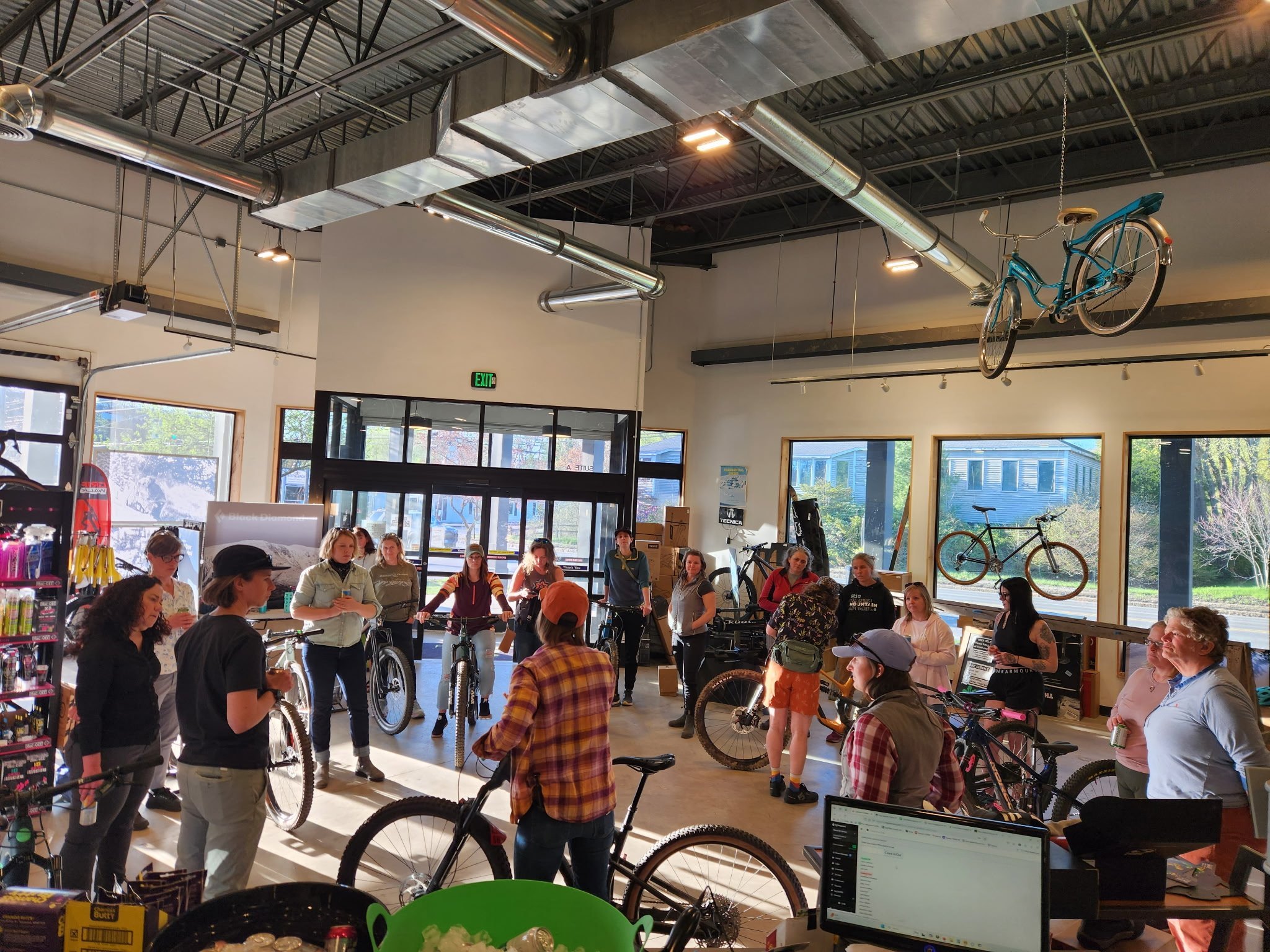
Learn how to set up, seal, and maintain tubeless mountain bike tires — skills that'll save you a flat (and a long walk) on the trail.
Feel free to come and just listen, or bring a wheel and tire to follow along and change one yourself. If you don't need to change your tire, just bring the wheel and we'll show you how to top it off with sealant.
We'll have rim tape, valve stems, and sealant available for a material fee — or stop by Barker Bikes before the workshop to grab your own.
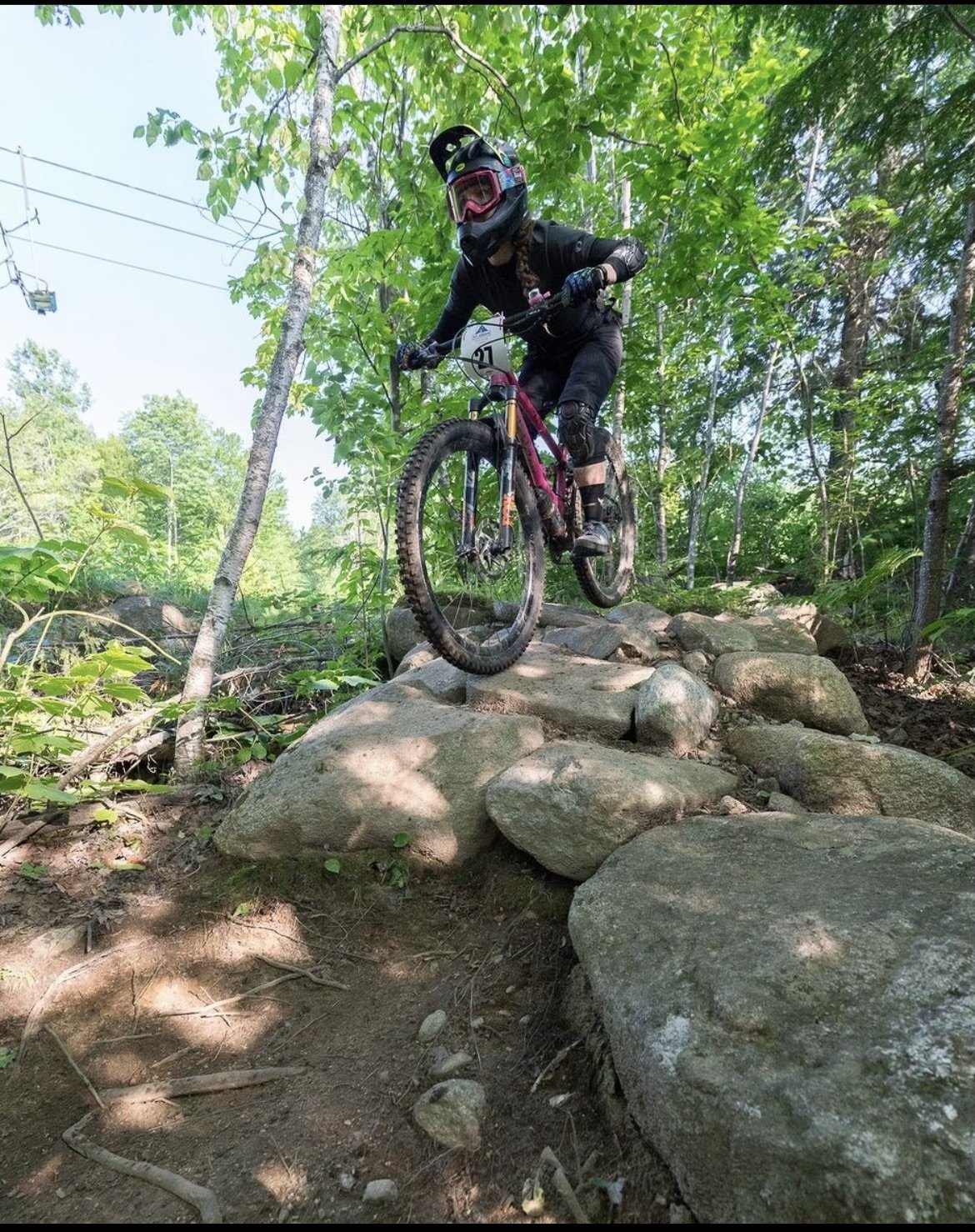
This workshop is taught by Lindsay Beth Currier, owner of Still Peaking LLC, a certified mountain bike skills instructor and registered Maine Guide with over 25 years in the sport. Lindsay's career began in 2000 at her local bike shop, where she started leading women's rides, and grew to include her first instructor certification in 2012. She has since taught mountain bike skills across the country and currently works with the Bicycle Coalition of Maine, Hale Education's Everwild, and VMBA's Elevate Mountain Bike Festival. Beyond skills clinics, Lindsay teaches bike setup and trailside repair workshops, volunteers with Six Rivers NEMBA, and is an active member of the National Ski Patrol.
Before you dial in your tire setup, dial in your riding. Lindsay is also running two skills series in Bethel leading up to this workshop:
MTB Essential Skills — Bethel, ME: July 31, Aug 7, Aug 14
MTB Fundamental Skills — Bethel, ME: July 31, Aug 7, Aug 14
Fundamental Skills builds on Essential Skills (body positioning, braking, shifting, steering), moving into progressive cornering, climbing, descending, and small features. Sign up for one or both before joining the tubeless workshop.
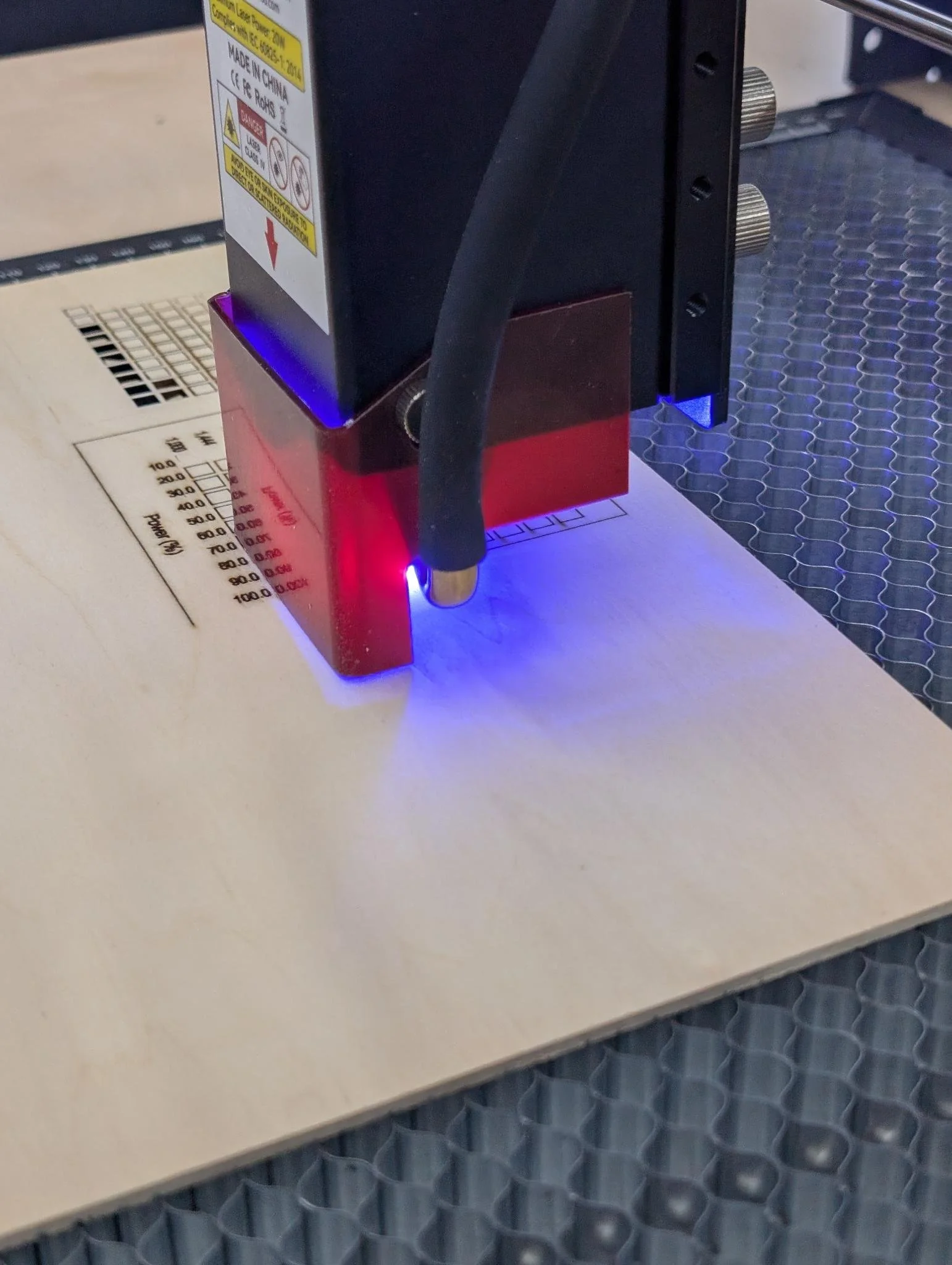
Welcome to Digifab is a comprehensive introduction to all of our digital fabrication equipment. In this class participants will get hands-on experience on all our Digifab tools and a crash course on the software they need to run. Watch your ideas go from digital file to finished part!
Learn to use the:
CO2 Laser Cutter- create fast, precise cutting and engraving across wood, acrylic, and more.
Tabletop Laser Engraver- an accessible entry point for detailed engraving on smaller objects like nameplates, gifts, and prototypes.
Multi-Material 3D Printer- combine rigid and flexible materials or multiple colors in a single print, ideal for functional prototypes and complex geometries.
Dye-Sublimation Printer- vibrant, permanent full-color designs on fabric and hard goods like mugs and tiles.
Prerequisites: None
Materials fee: None
What to wear & bring
-Please bring your own lunch
-Closed-toe shoes
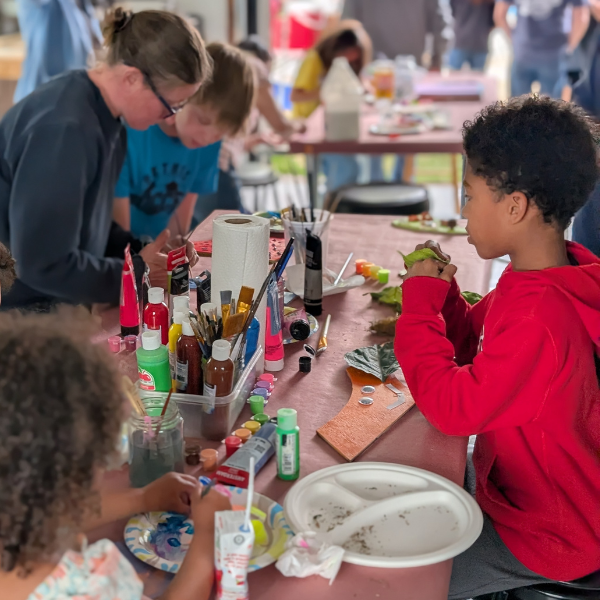
The last Friday of every month is Family Crafting Night at the West Bethel Makerspace! Join us for a super fun and casual afternoon making and creating together.
August's craft is: Giant Bugs! Use paint, cardboard and other reclaimed materials to make spectacular beetles, butterflies and magical creatures of your own imagining. The Makerspace will provide materials but please wear clothing that can get dirty (we will be using paint and glue!).
Feel free to drop in anytime after 2 pm and stay as long as you'd like! This event is good for all ages. Children must be accompanied by a parent or guardian at all times.

This event is sold out! We're leaving it up here so you can see the details for the next time we schedule it. Check our calendar for more awesome classes and events! You can also see Zoee's work and register for other silversmithing classes here: https://entangledrootstudio.com/
Learn from Zoee Blossom (Entangled Root Studio) to make your own gemstone rings! In this class we will learn the ins and outs of fabricating a gemstone ring in sterling silver. Students will be provided with all materials, hands on demos, and tutorials to create a gemstone ring and accompanying stacker ring.
We will be hosting this event at the West Bethel Makers Space with a special gemstone donation from the Maine Mineral and Gem Museum!
We'll be soldering a bezel onto a simple band - the perfect next step after learning to make a stacking ring! When you leave, you’ll be leaving with a basic understanding of soldering, wire forming, and stone-setting. But above all, you’ll walk away with a ring stack you can truly be proud of.
No experience necessary!
September 13th
4:00-6:00 PM
West Bethel Makers Space
10 Ferry Rd, Bethel, ME 04217
More information will be sent out with logistics and resources after purchase!
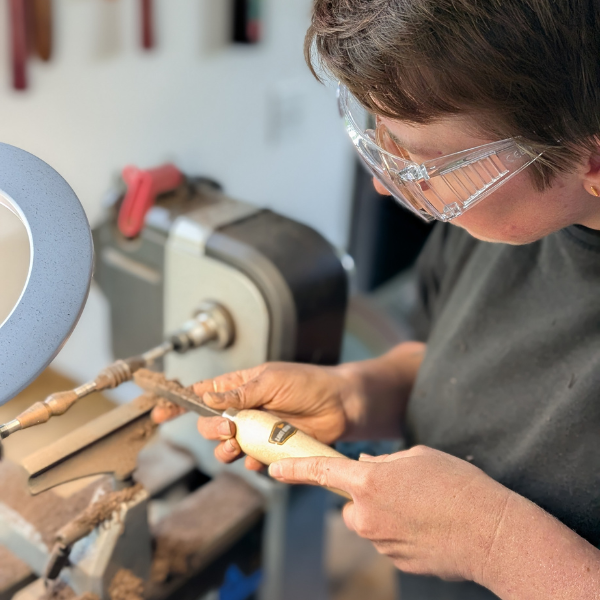
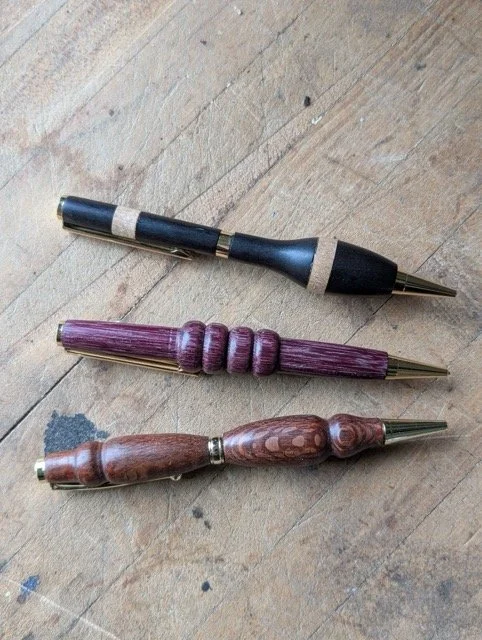
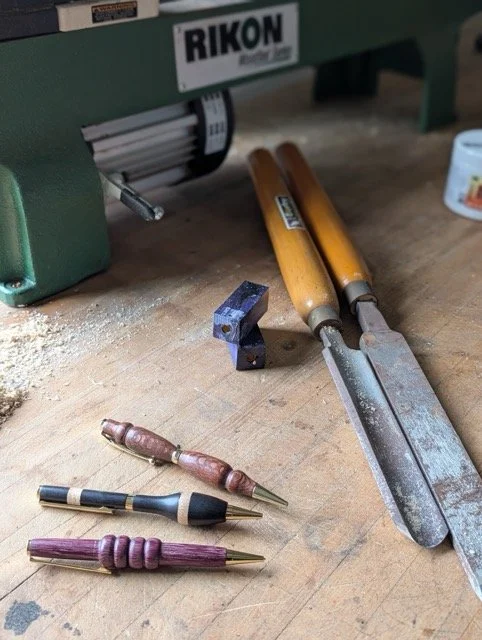
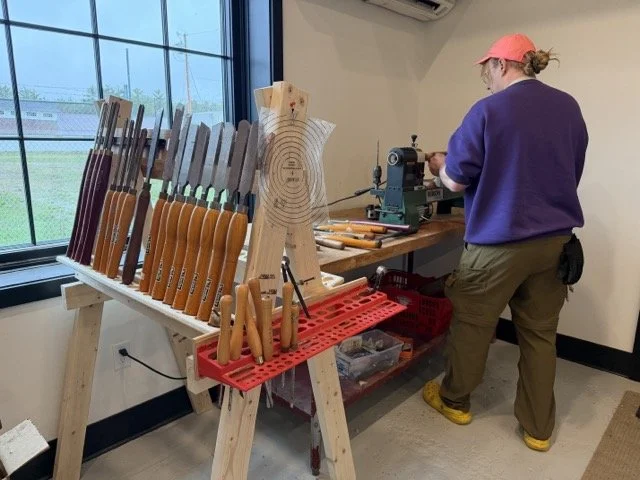
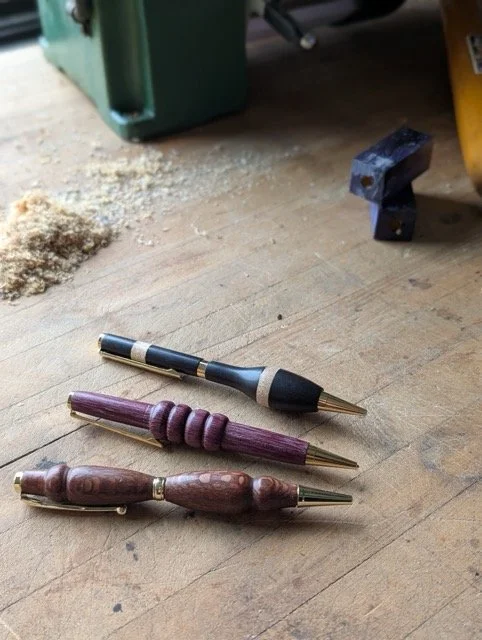
Learn the fundamentals of spindle turning and the basics of the wood lathe while making a beautiful, handmade pen. In this intermediate hands-on class, learn how to safely operate lathes, techniques like mounting, roughing, shaping, drilling, parting, and finishing. Completing this class grants access to the wood lathe.
3-hour class
Prerequisites: None
Materials fee: $10 to be paid directly to the instructor.
What to wear & bring
Closed-toe shoes
No loose clothing
Secure long hair
PPE provided - bring your own if you prefer
Earplugs
Eye protection
Dust masks
Age Requirements
Members under 18 must be accompanied and supervised by a responsible adult guardian at all times.
Woodshop access and woodshop classes are available to ages 16 and older.
This course will give practical experience and safety clearance for
Lathe

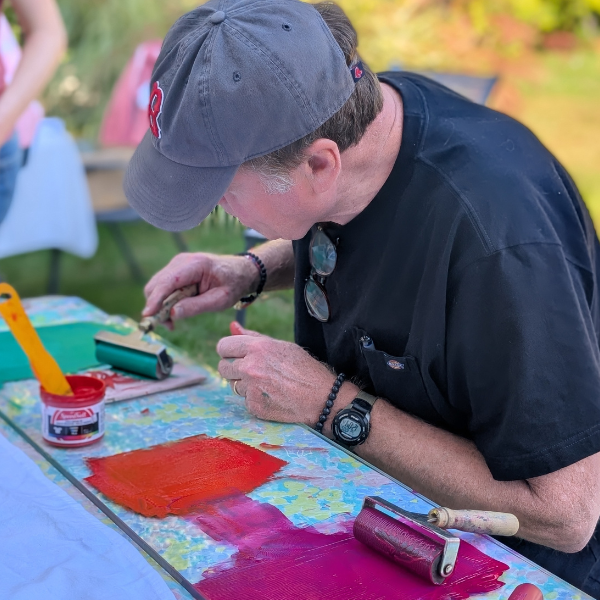
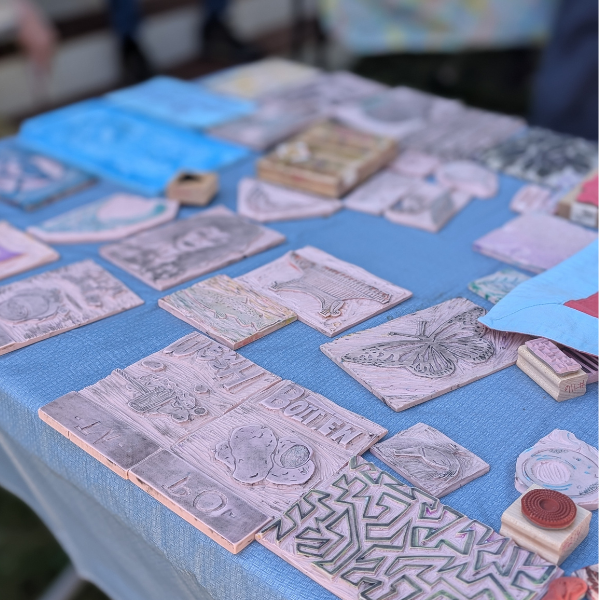
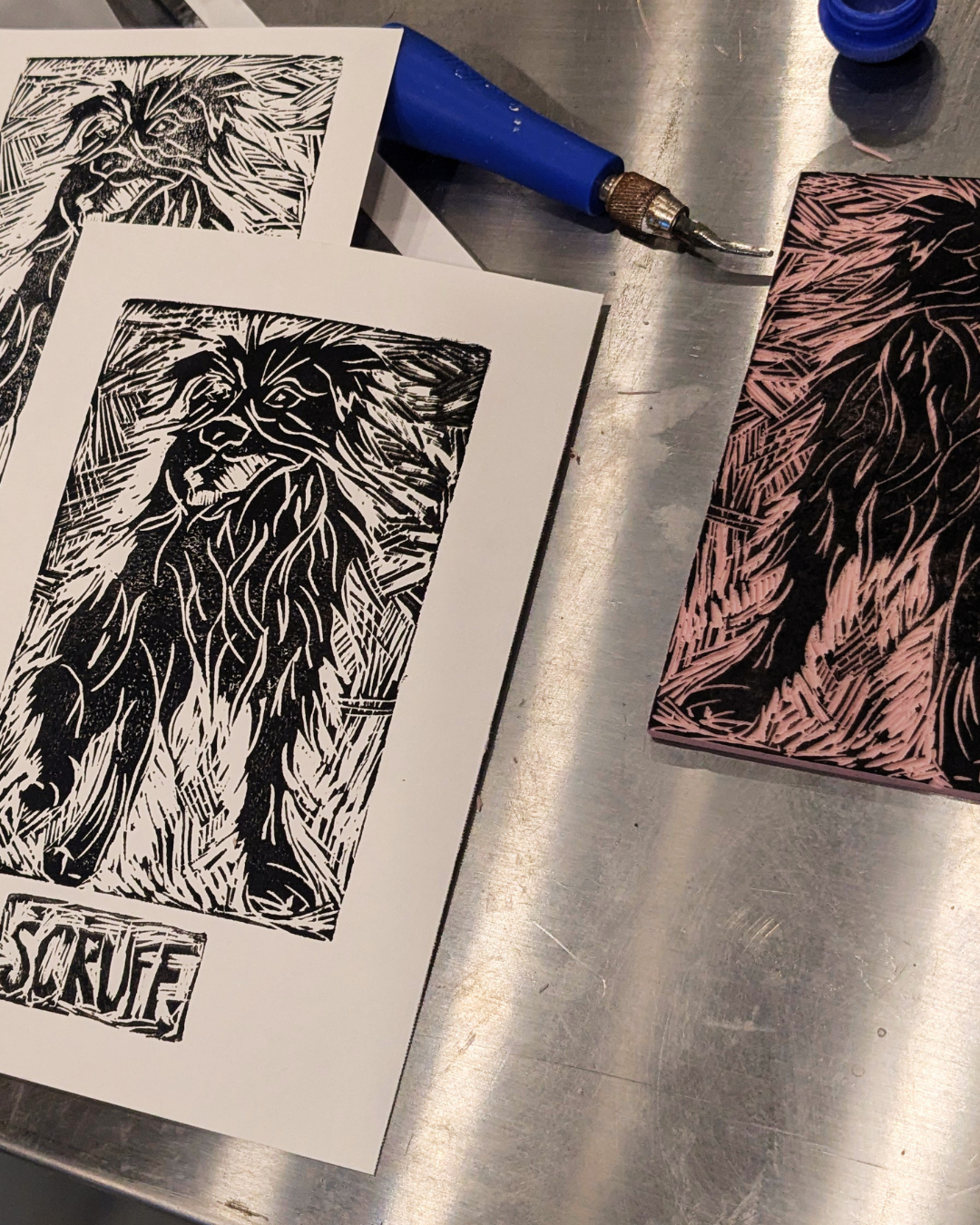
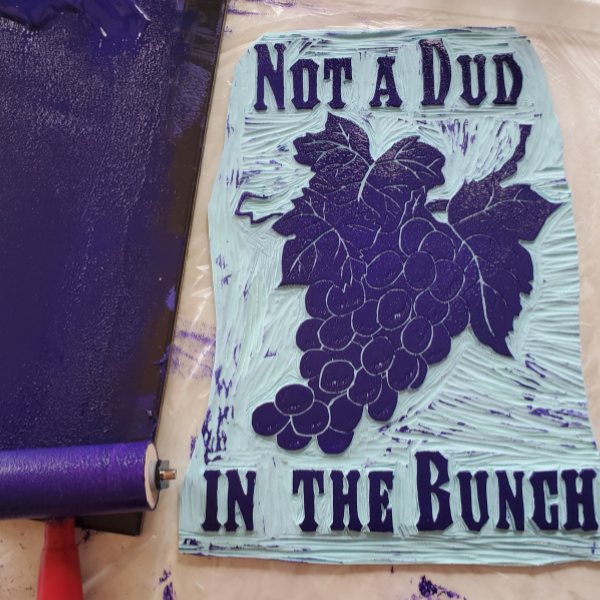
This class is for all who want to deepen their knowledge of linoleum block cutting! Practice the relaxing and rewarding art of linoleum block carving and printing.
In this class you will learn the fundamentals of designing, prepping and carving your print, and practice printing your block on both paper and fabric. You are also welcome to use our library of block prints on any clothing or fabric you bring to the workshop.
Material Fee: $5 plus $4-6 per lino block (feel free to bring your own)
to be paid directly to the instructor on day of workshop. Cash or venmo is accepted.
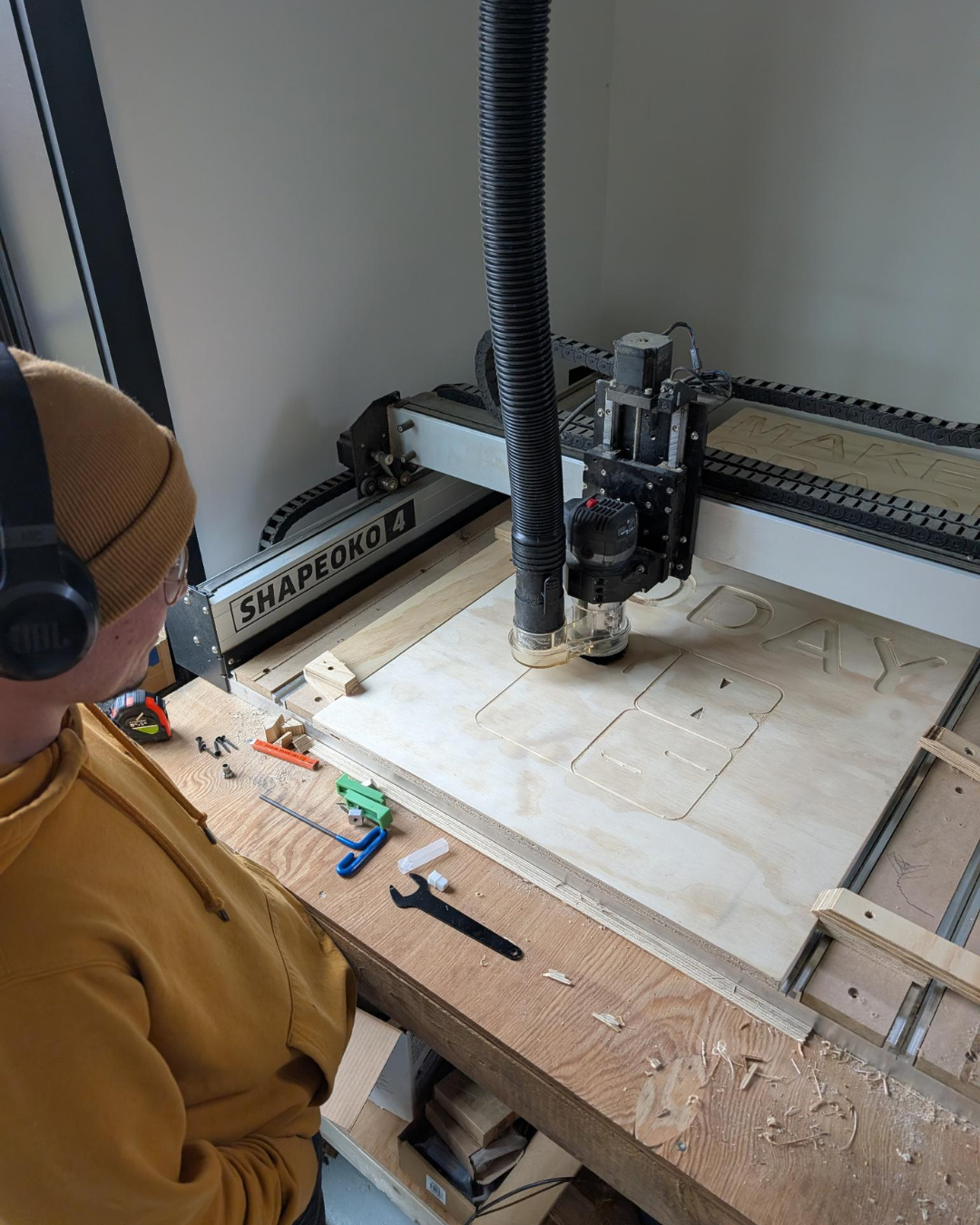
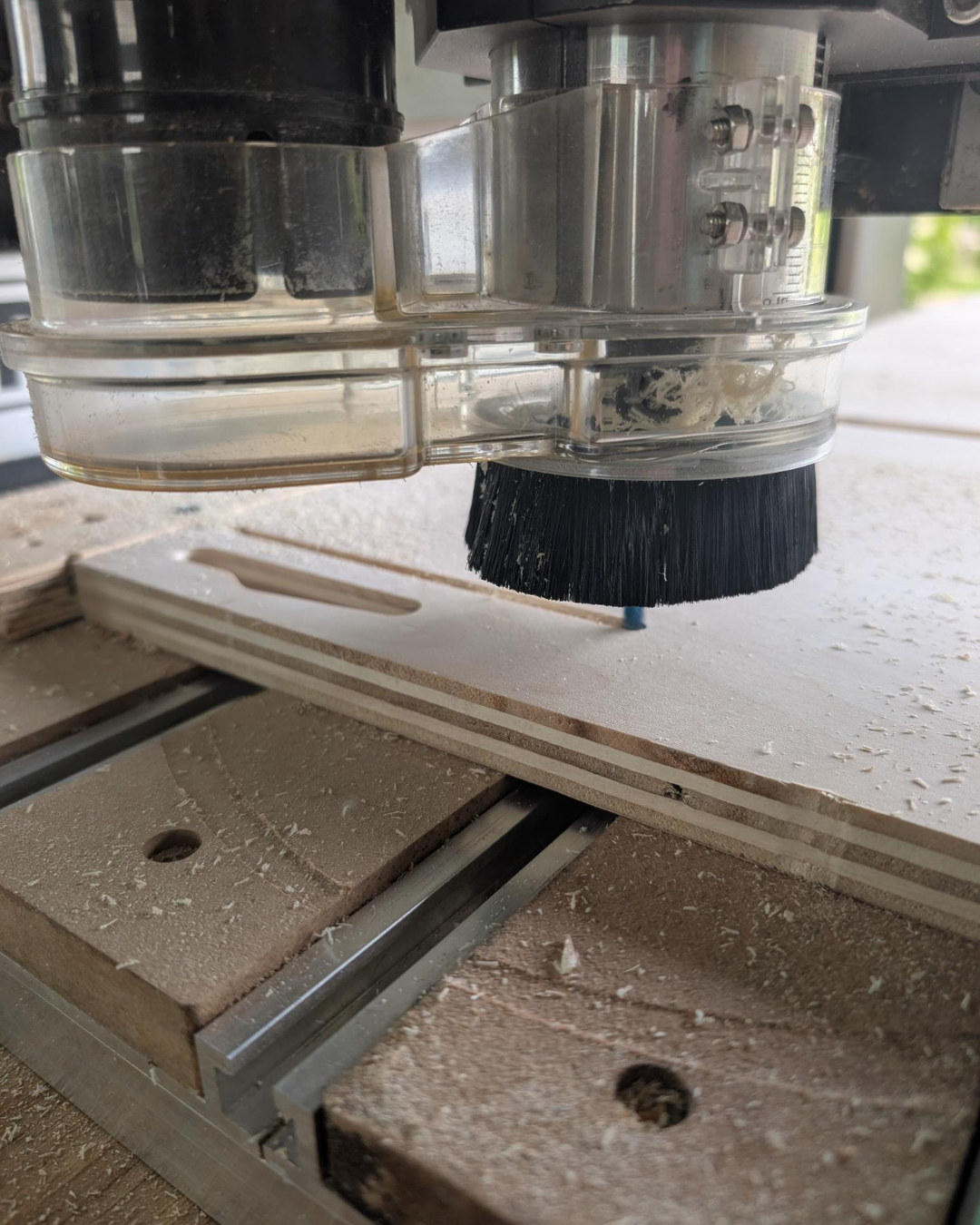
Computer Numeric Control (CNC) routers let you cut precise, repeatable, and complex shapes or joinery automatically from a digital design, saving time and reducing material waste compared to manual routing. The CNC can cut anything from dovetail joints and cabinet panels to architectural models and custom signs.
This 4-hour course prepares students to use a robotic CNC router to automate the cutting of materials according to a design made on the computer.
Students will learn the end-to-end path from Computer Aided Design (CAD) via a Computer Aided Manufacturing (CAM) approach to CNC machining. The course emphasizes practical skills in design-for-manufacturing, material selection, machine setup, fixturing, part registration, post-processing, and safe machine operation.
The class will cover the basic comprehensive workflow required to create a simple workpiece. Students will leave with a fundamental understanding of the benefits and limitations of this process and toolset that will enable them to develop prototypes and craft practical pieces.
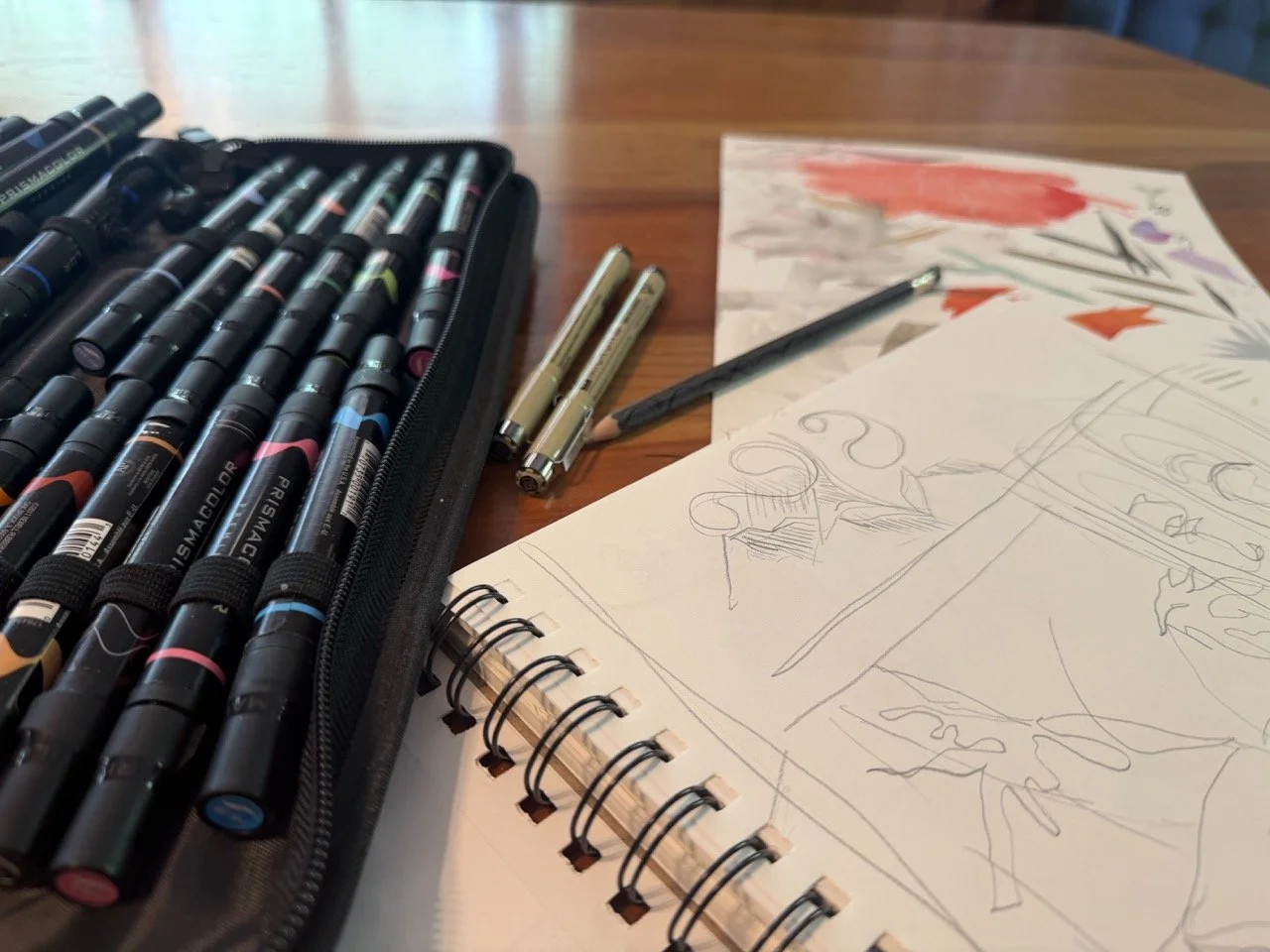
Come hang out and get creative with your community! Bring whatever inspires you — sketchbooks, projects in progress, half-formed ideas, or just yourself. Light snacks and beverages provided, and you're welcome to bring your own food to share too.
Block printing is the following week, so this is the perfect night to sketch out your print designs and come prepared to carve.
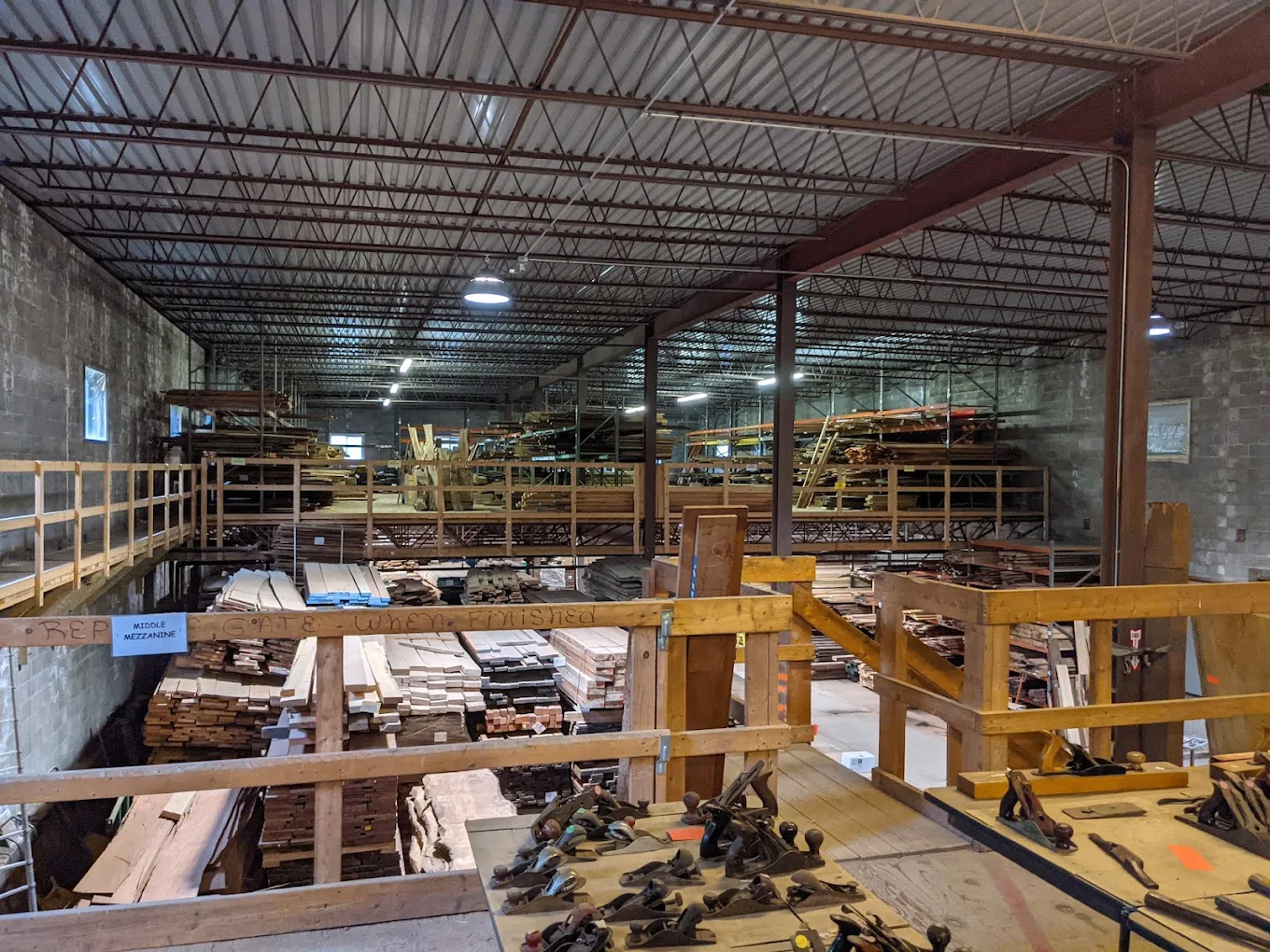
Join fellow makers for a tour of Rare Woods USA in Mexico, ME — home to over 500,000 board feet of exotic and domestic lumber from more than 100 species worldwide. Walk the floor, get your questions answered, and pick out just the right wood for whatever you've got planned, from turning blanks to full slabs.
Leave Bethel at 9am, get to Rare Woods at 9:30am, and tour of the space at 9:45 am.
Carpooling details to be shared before the event.
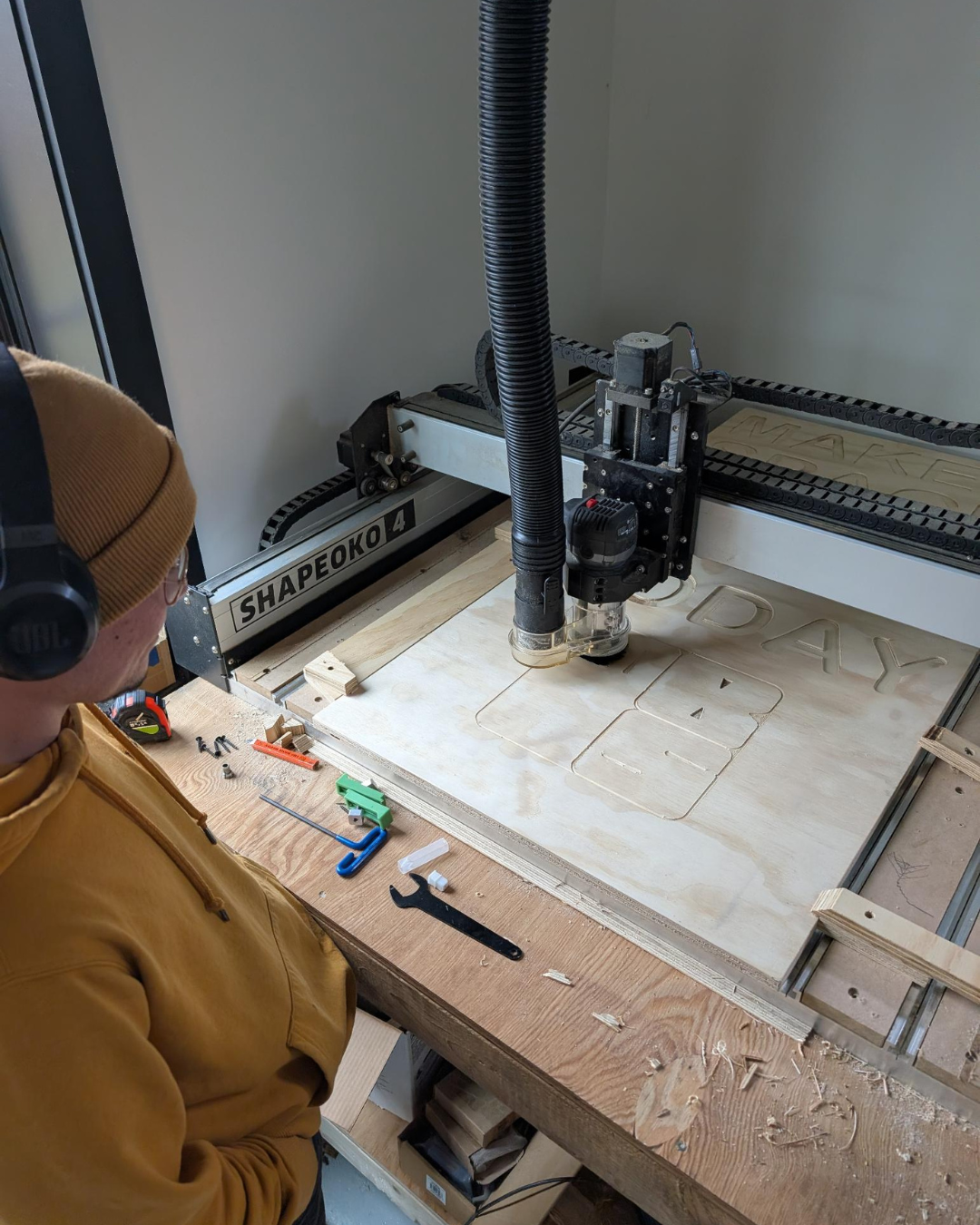
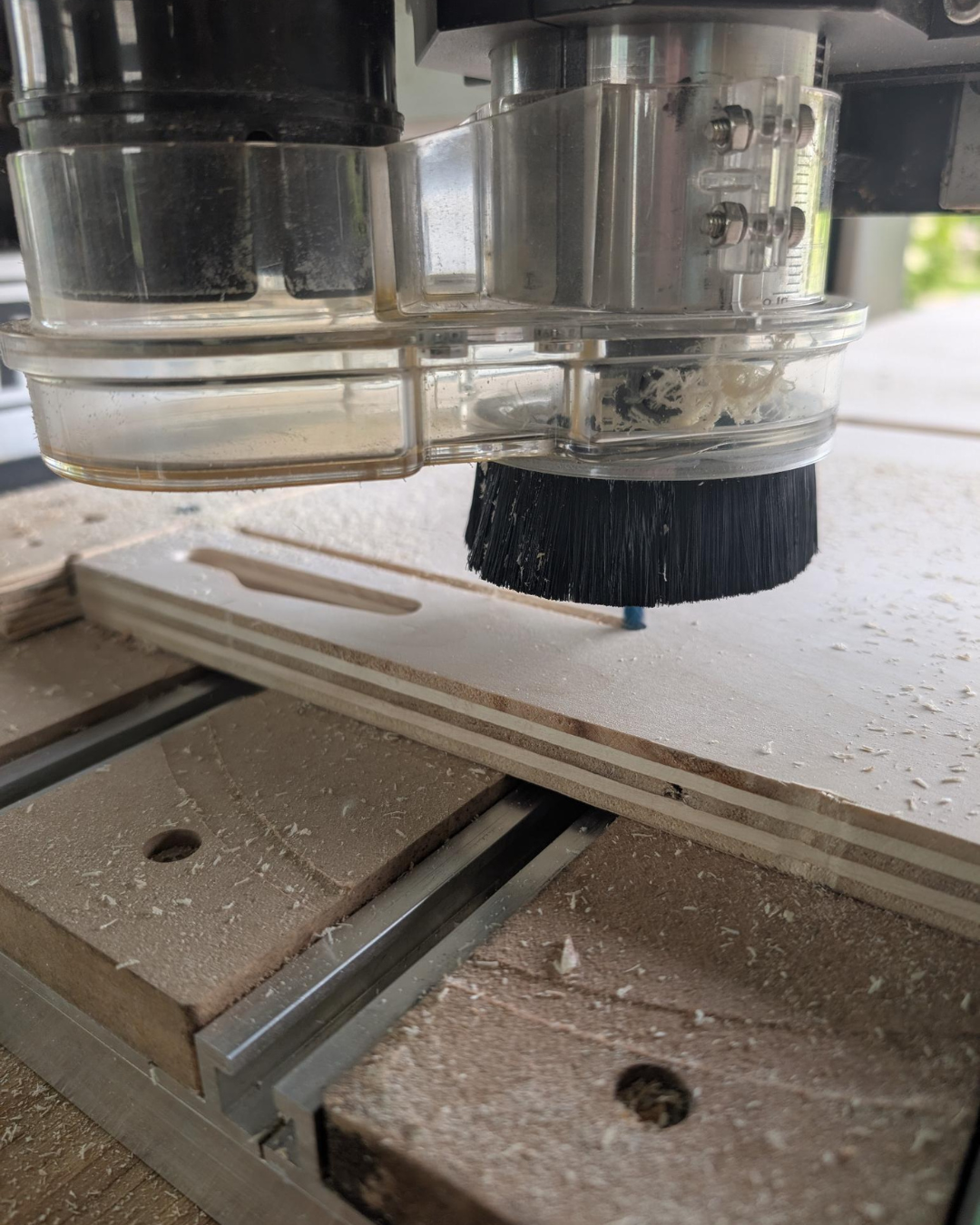
Computer Numeric Control (CNC) routers let you cut precise, repeatable, and complex shapes or joinery automatically from a digital design, saving time and reducing material waste compared to manual routing. The CNC can cut anything from dovetail joints and cabinet panels to architectural models and custom signs.
This 4-hour course prepares students to use a robotic CNC router to automate the cutting of materials according to a design made on the computer.
Students will learn the end-to-end path from Computer Aided Design (CAD) via a Computer Aided Manufacturing (CAM) approach to CNC machining. The course emphasizes practical skills in design-for-manufacturing, material selection, machine setup, fixturing, part registration, post-processing, and safe machine operation.
The class will cover the basic comprehensive workflow required to create a simple workpiece. Students will leave with a fundamental understanding of the benefits and limitations of this process and toolset that will enable them to develop prototypes and craft practical pieces.
New Class Offering!
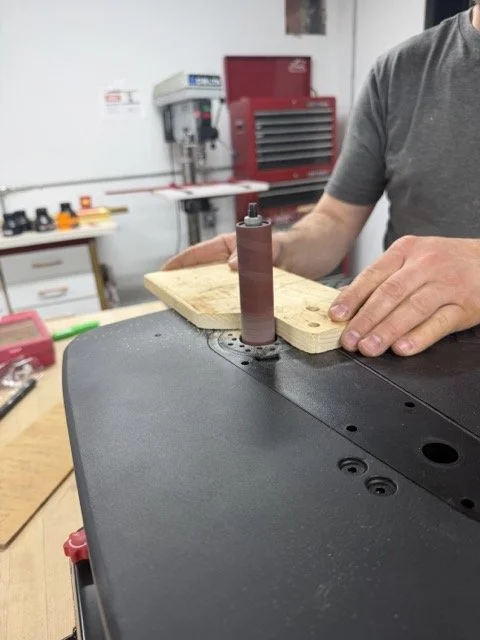
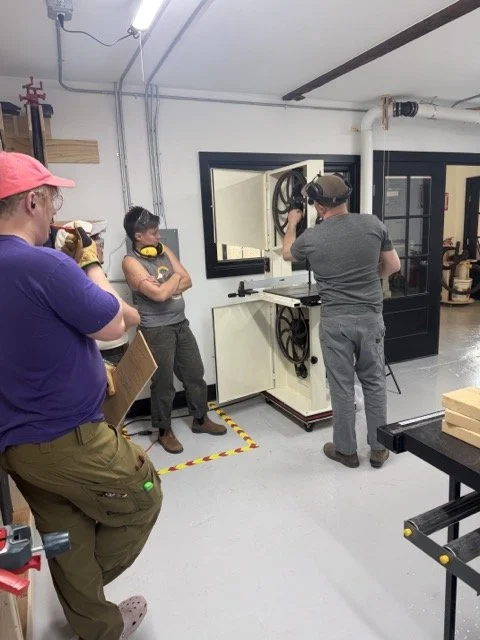
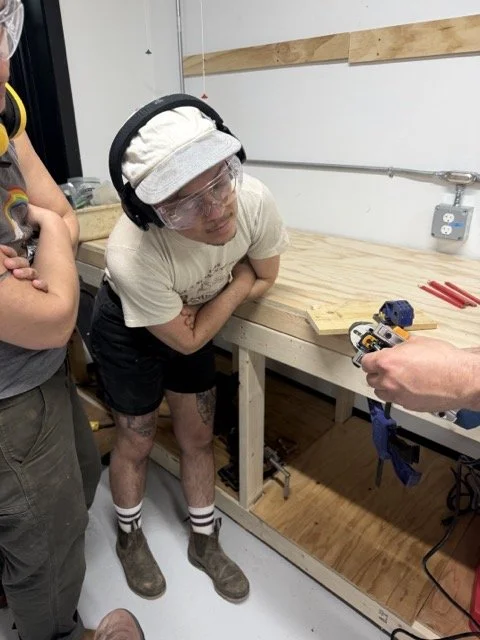
This one-day course is a friendly introduction for anyone new to the West Bethel Makerspace woodshop! By the end of the day, participants will have an opportunity to try out and learn the basic function, safety features, and use cases for almost all of our woodshop tools including:
Miter Saw (Chop Saw)
Table Saw
Band Saw
Scroll Saw
Drill Press
Edge and Spindle Sanders
Jointer
Planer
Prerequisites: None
Materials fee: None
What to wear & bring
-Please bring your own lunch
-Closed-toe shoes
-No loose clothing
-Secure long hair
PPE provided - bring your own if you prefer
Earplugs
Eye protection
Dust masks
Gloves - vinyl gloves, nothing thicker for safety reasons
Age Requirements
Members under 18 must be accompanied and supervised by a responsible adult guardian at all times.
Woodshop access and woodshop classes are available to ages 16 and older.
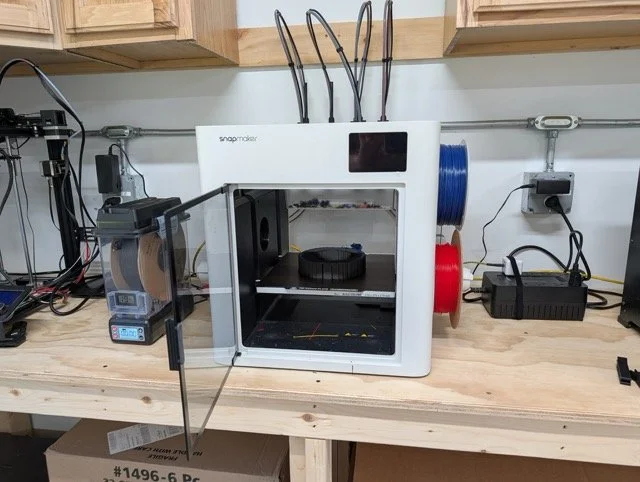
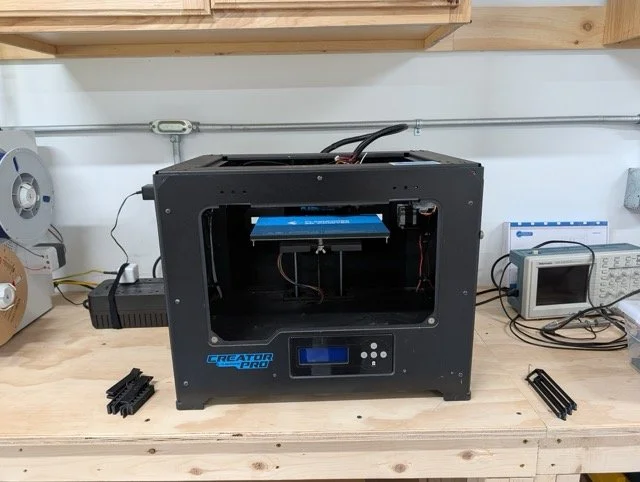
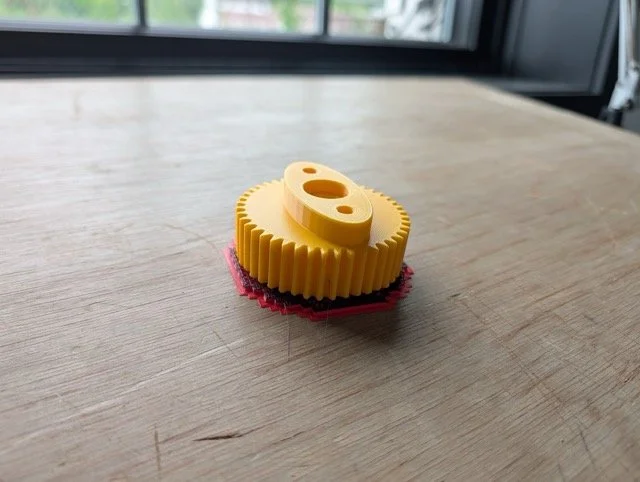
In this class, students will be introduced to the software and hardware involved with Additive Manufacturing. After taking this class, they will have a path from Computer-Aided Design (CAD) through “slicing” a model and printing it on our 3D printers. We’ll cover materials selection and preparation, and how to properly calibrate and operate the precise equipment used to fabricate complex objects difficult to produce any other way.
3 hour class
Prerequisites: None
Materials fee: $10 to be paid directly to the instructor.
What to bring
Computer (available to borrow if needed)
Age Requirement
Attendees under 18 must be accompanied and supervised by a responsible adult guardian at all times.
Course will give practical experience and safety clearance for
3D Printers
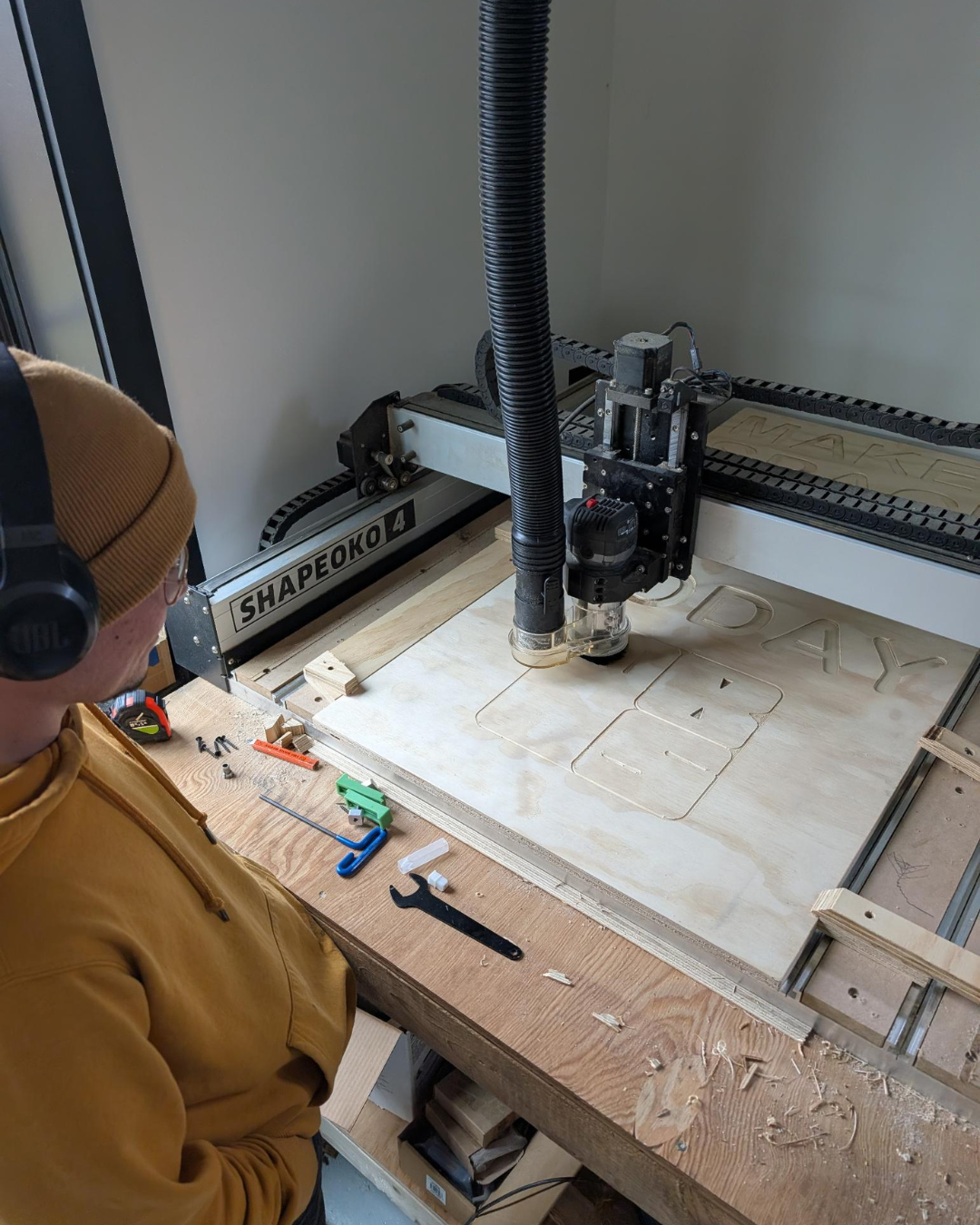
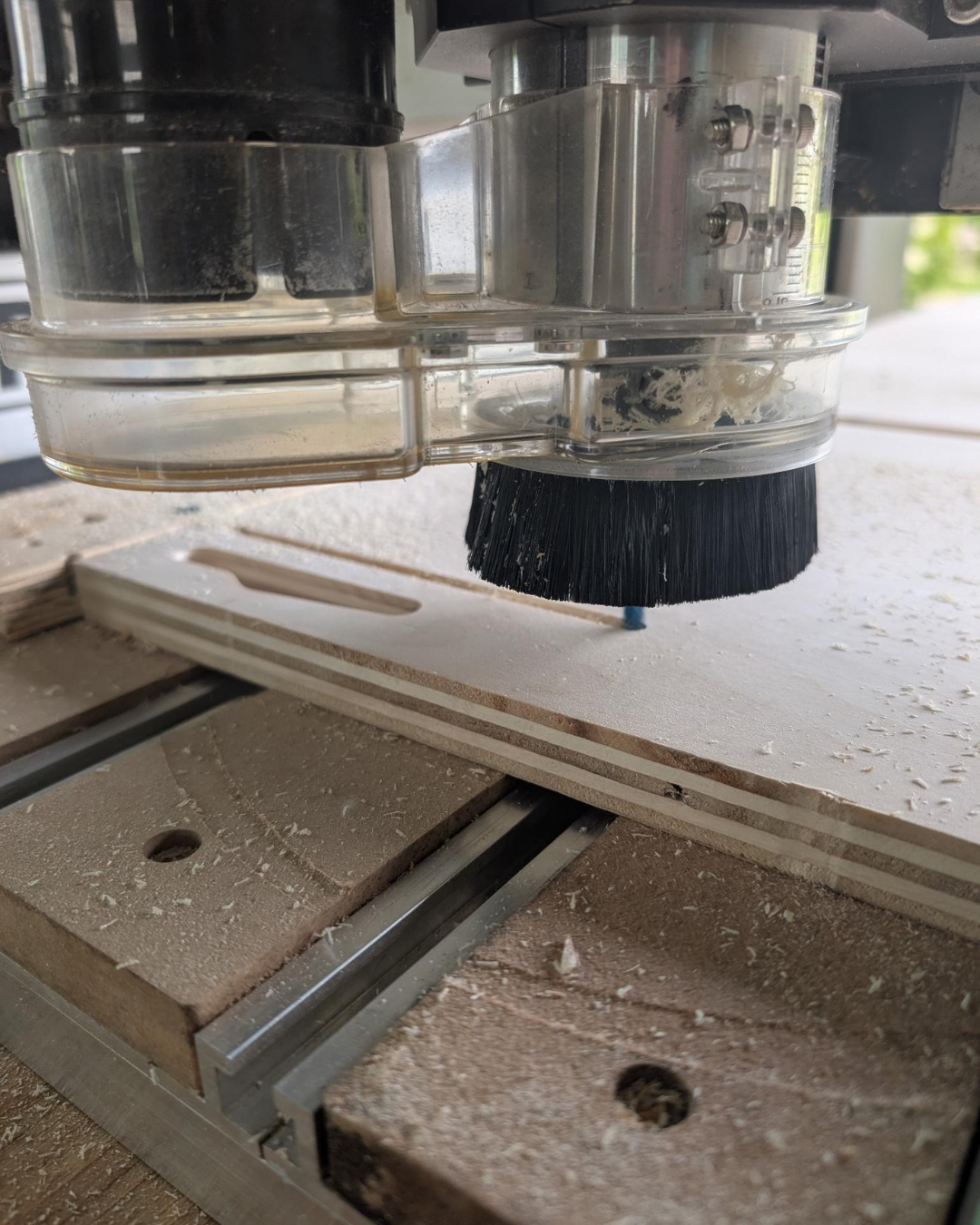
Computer Numeric Control (CNC) routers let you cut precise, repeatable, and complex shapes or joinery automatically from a digital design, saving time and reducing material waste compared to manual routing. The CNC can cut anything from dovetail joints and cabinet panels to architectural models and custom signs.
This 4-hour course prepares students to use a robotic CNC router to automate the cutting of materials according to a design made on the computer.
Students will learn the end-to-end path from Computer Aided Design (CAD) via a Computer Aided Manufacturing (CAM) approach to CNC machining. The course emphasizes practical skills in design-for-manufacturing, material selection, machine setup, fixturing, part registration, post-processing, and safe machine operation.
The class will cover the basic comprehensive workflow required to create a simple workpiece. Students will leave with a fundamental understanding of the benefits and limitations of this process and toolset that will enable them to develop prototypes and craft practical pieces.
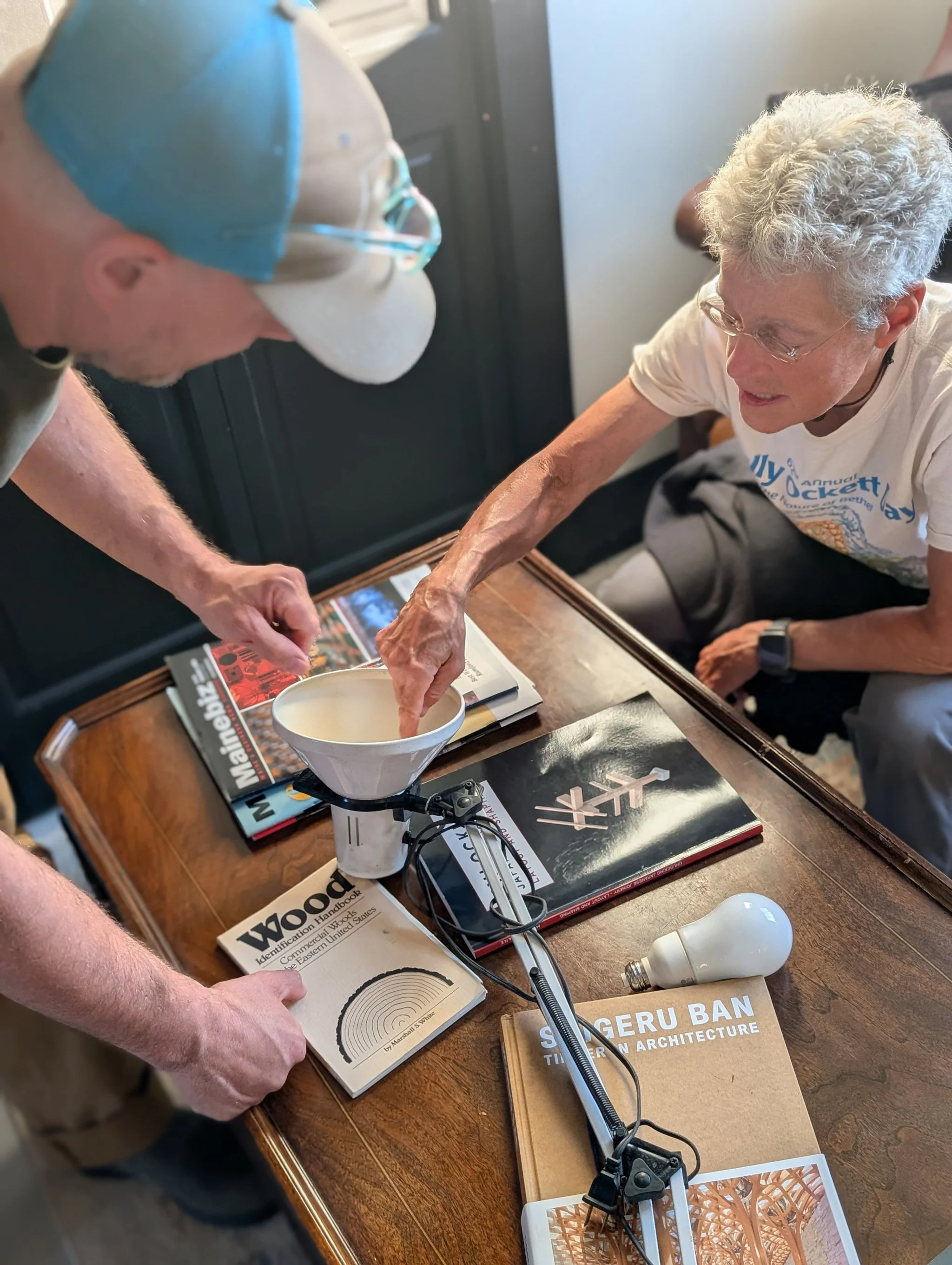
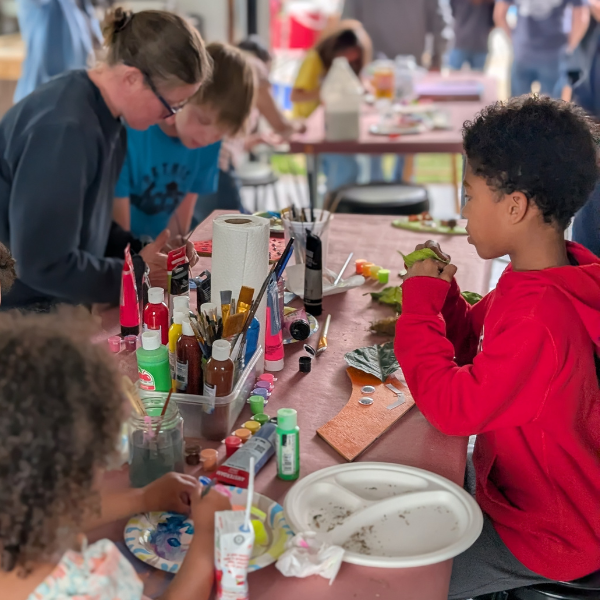
The last Friday of every month is Family Crafting Night at the West Bethel Makerspace! Join us for a super fun and casual afternoon making and creating together.
September's craft is: Jellyfish! Use reclaimed and thrifted materials to make beautiful jellyfish. The Makerspace will provide materials but please wear clothing that can get dirty (we will be using paint and glue!).
Feel free to drop in anytime after 2 pm and stay as long as you'd like! This event is good for all ages. Children must be accompanied by a parent or guardian at all times.
Tickets are a sliding scale of $5-$15 per person- help us keep these craft nights accessible for the community by paying it forward!
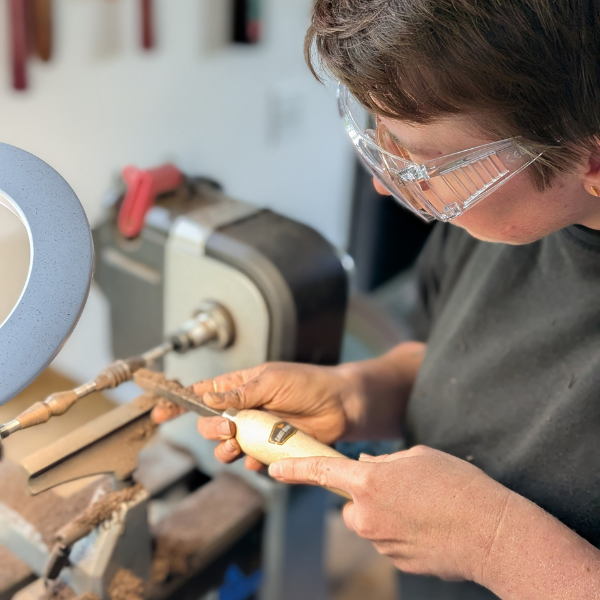
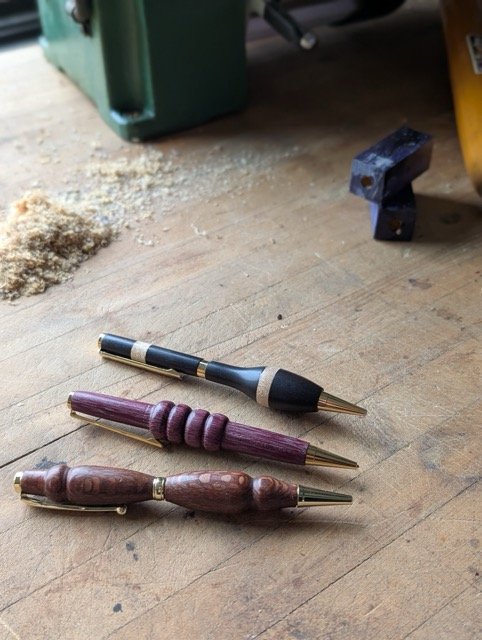
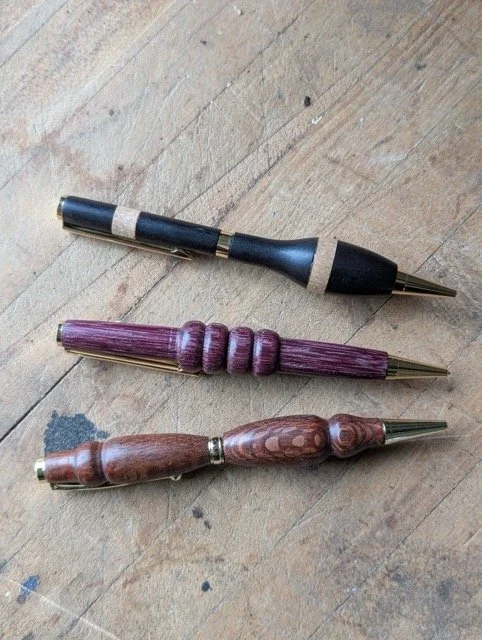
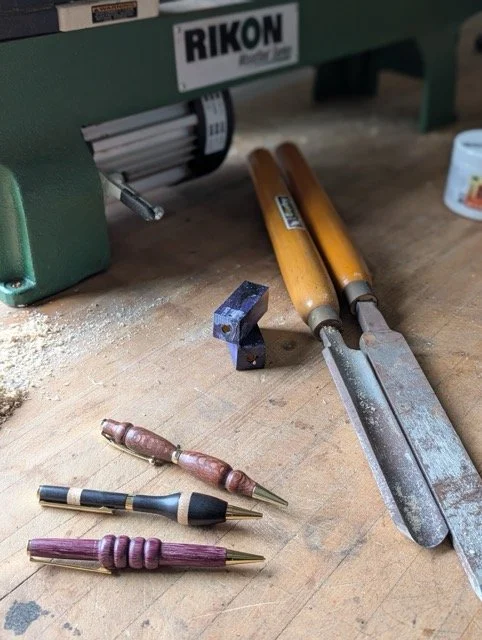
Learn the fundamentals of spindle turning and the basics of the wood lathe while making a beautiful, handmade pen. In this intermediate hands-on class, learn how to safely operate lathes, techniques like mounting, roughing, shaping, drilling, parting, and finishing. Completing this class grants access to the wood lathe.
3-hour class
Prerequisites: None
Materials fee: $10 to be paid directly to the instructor.
What to wear & bring
Closed-toe shoes
No loose clothing
Secure long hair
PPE provided - bring your own if you prefer
Earplugs
Eye protection
Dust masks
Age Requirements
Members under 18 must be accompanied and supervised by a responsible adult guardian at all times.
Woodshop access and woodshop classes are available to ages 16 and older.
This course will give practical experience and safety clearance for
Lathe
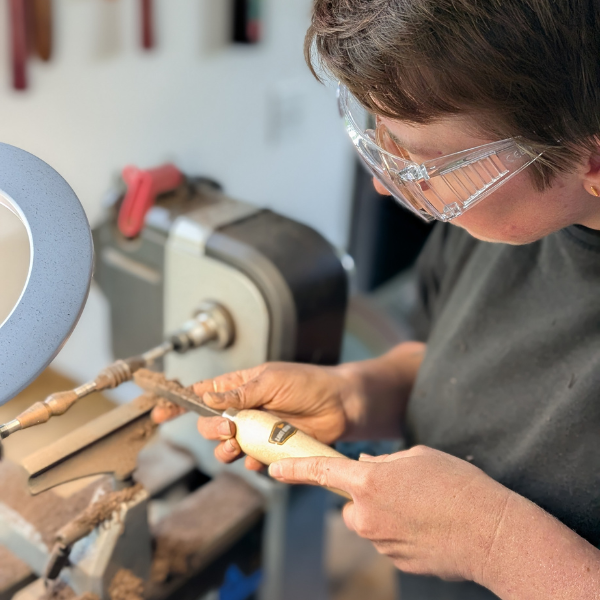
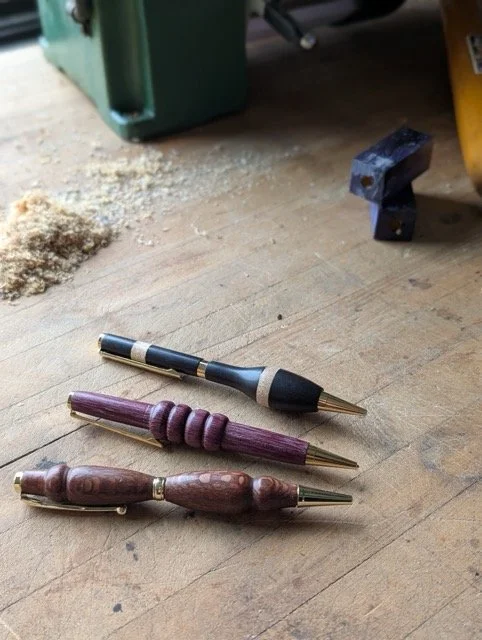
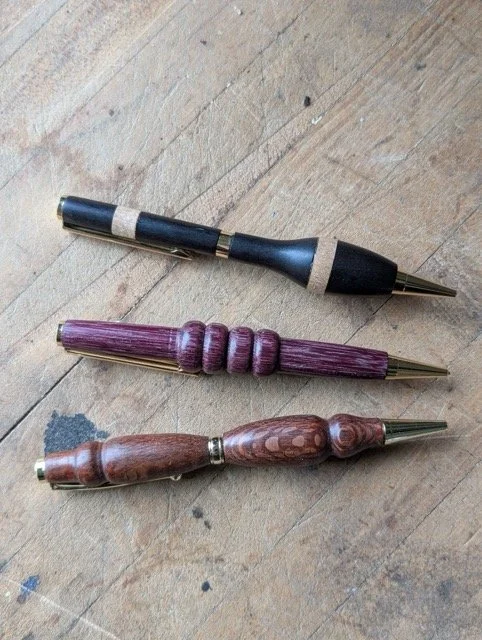
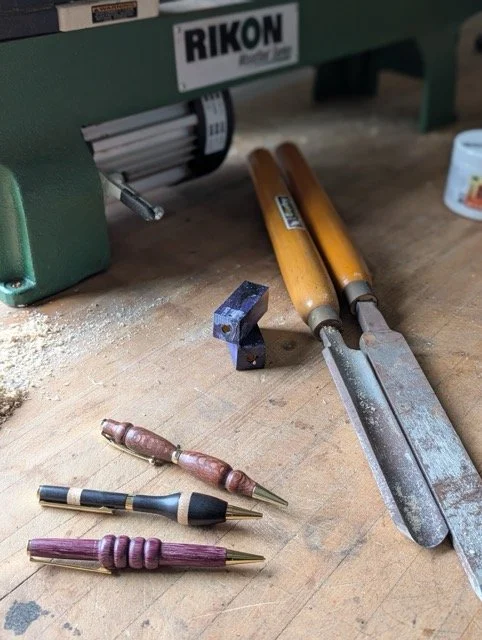
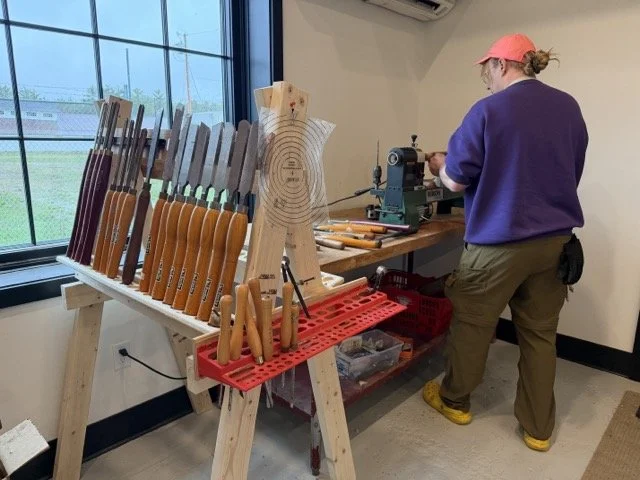
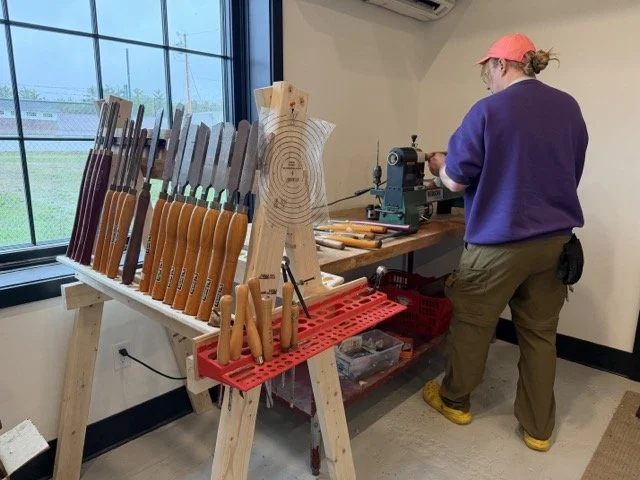
Learn the fundamentals of spindle turning and the basics of the wood lathe while making a beautiful, handmade pen. In this intermediate hands-on class, learn how to safely operate lathes, techniques like mounting, roughing, shaping, drilling, parting, and finishing. Completing this class grants access to the wood lathe.
3-hour class
Prerequisites: None
Materials fee: $10 to be paid directly to the instructor.
What to wear & bring
Closed-toe shoes
No loose clothing
Secure long hair
PPE provided - bring your own if you prefer
Earplugs
Eye protection
Dust masks
Age Requirements
Members under 18 must be accompanied and supervised by a responsible adult guardian at all times.
Woodshop access and woodshop classes are available to ages 16 and older.
This course will give practical experience and safety clearance for
Lathe

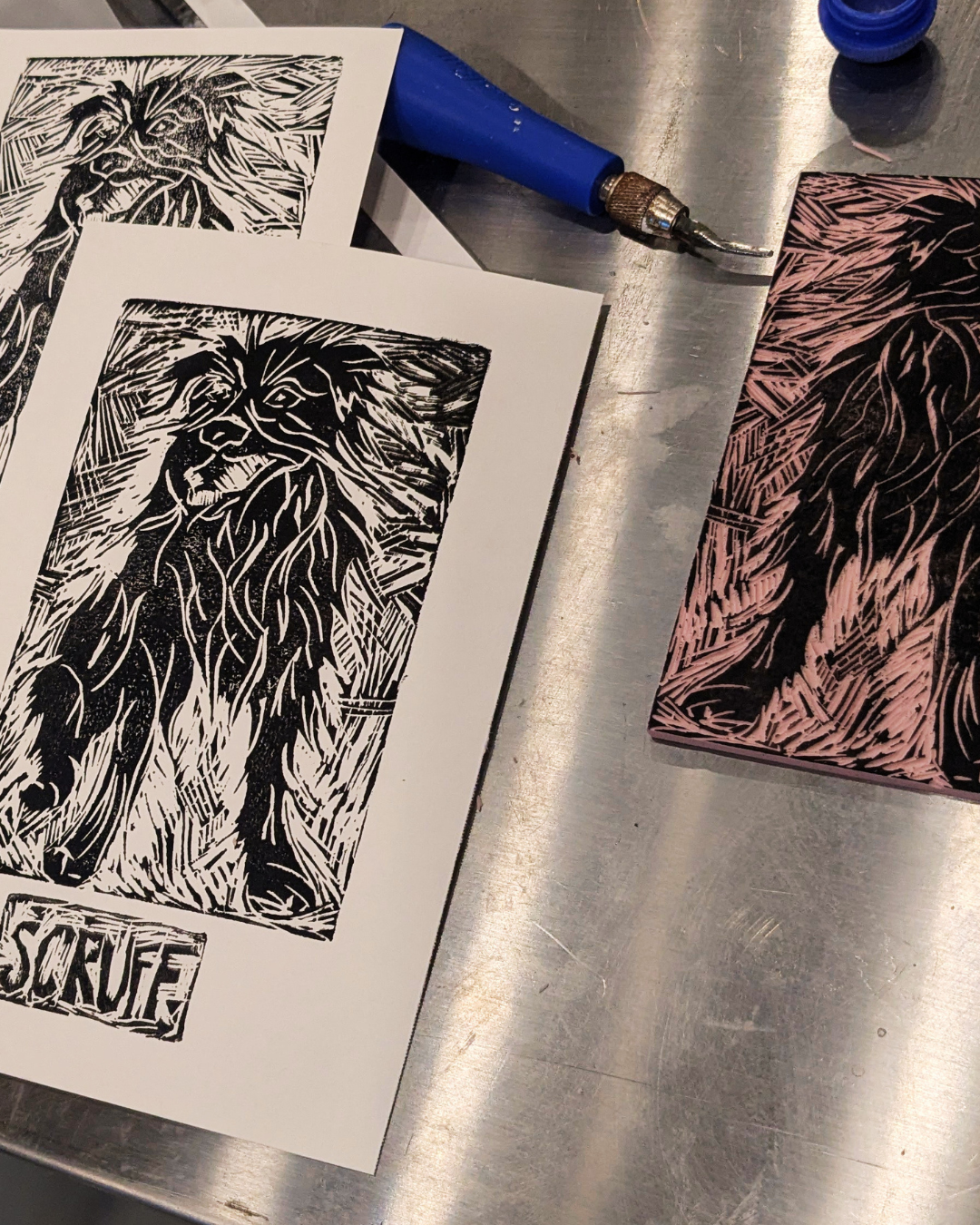
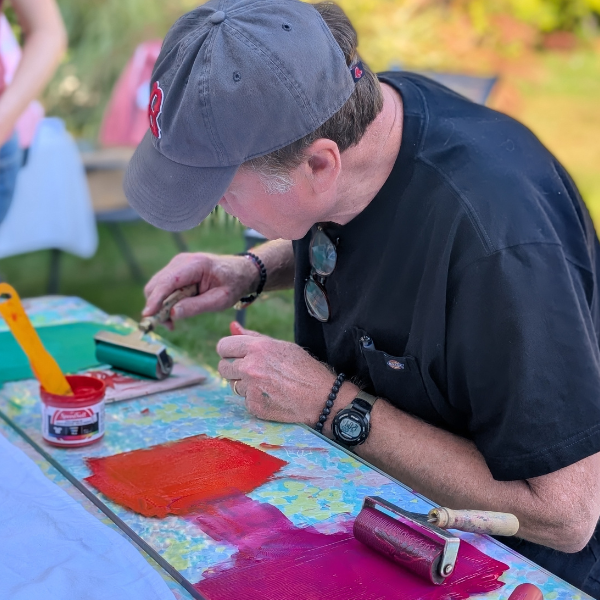
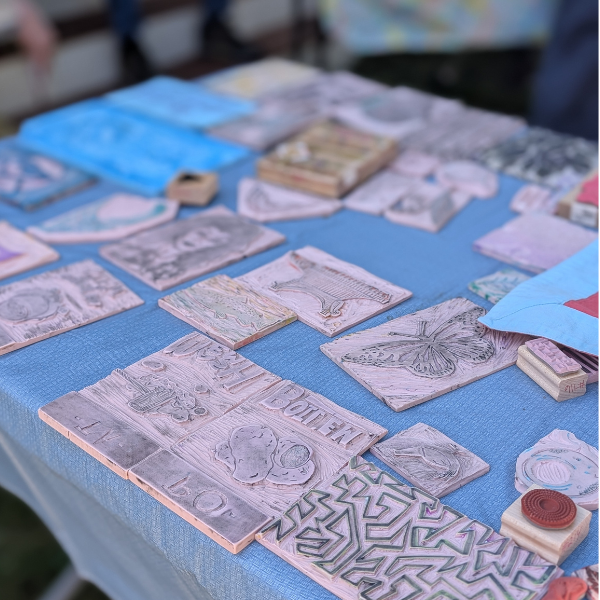
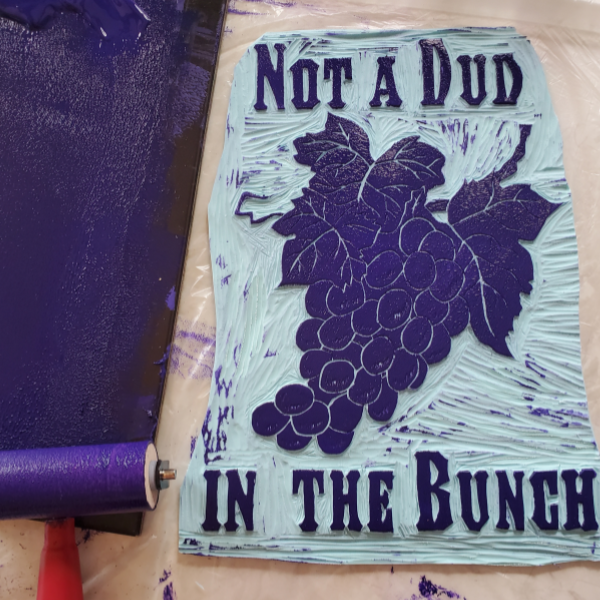
This class is for all who want to deepen their knowledge of linoleum block cutting! Practice the relaxing and rewarding art of linoleum block carving and printing.
In this class you will learn the fundamentals of designing, prepping and carving your print, and practice printing your block on both paper and fabric. You are also welcome to use our library of block prints on any clothing or fabric you bring to the workshop.
Material Fee: $5 plus $4-6 per lino block (feel free to bring your own)
to be paid directly to the instructor on day of workshop. Cash or venmo is accepted.
No results match your search. Try removing a few filters.
